I spent the last week testing 10 merge games to find out which ones are actually worth your time. Some were surprisingly addictive, others felt like mobile ports that forgot they were on a browser. Here’s what I found after merging thousands of items, building armies, and occasionally rage-quitting.
Looking for more merge games to try? Check out our full collection of merge games with hundreds of titles to explore.
TL;DR (Quick Summary)
- Best Overall: Chicken Merge – Surprisingly strategic tower defense with satisfying merge mechanics and actual depth
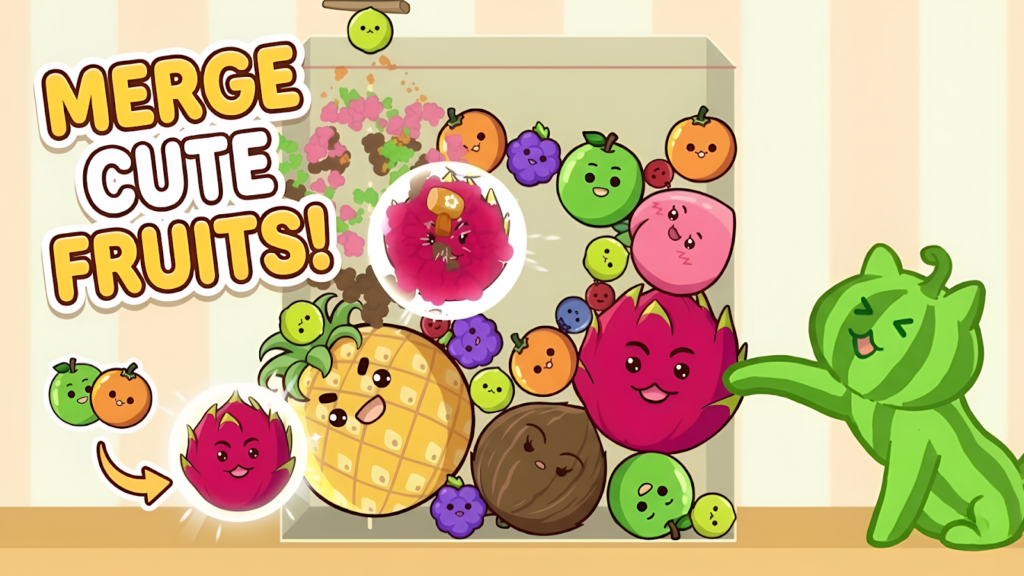
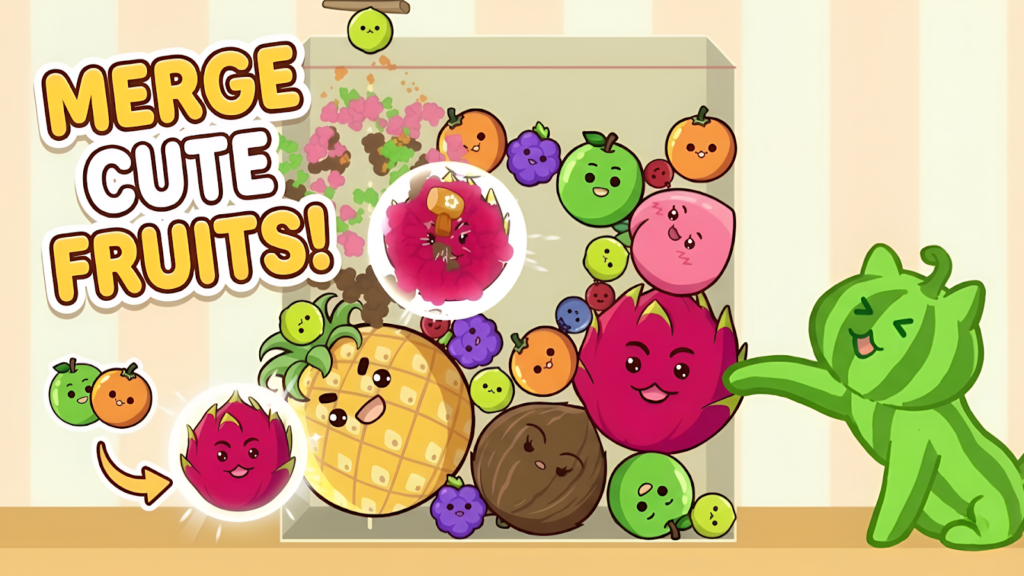
- Best Graphics: Fruit Merge: Juicy Drop Game – Vibrant, polished Unity graphics with smooth physics and colorful fruit designs
- Best for Beginners: Watermelon Game – Simple drop-and-merge concept that takes 30 seconds to understand
- Total Games: 10 browser games tested
- Tested on: MacBook/PC, Chrome browser, no special hardware
- Average Rating: 4.5/5.0
Quick Comparison Table
| # | Game | Genre | Key Feature | Rating |
| 1 | Cozy Kitchen Merge | Casual Puzzle | Kitchen customization | 4.7/5.0 |
| 2 | Fruit Merge: Juicy Drop Game | Physics Puzzle | Smooth physics | 4.8/5.0 |
| 3 | Merge World | Building Simulation | Fairy workers | 4.2/5.0 |
| 4 | Chicken Merge | Tower Defense | Strategic placement | 4.8/5.0 |
| 5 | Piece of Cake: Merge & Bake | Café Management | Story elements | 4.0/5.0 |
| 6 | Pirates Merge: War Path | Strategy Adventure | Flying units | 4.5/5.0 |
| 7 | 2048: X2 Legend | Number Puzzle | Shooting mechanics | 4.5/5.0 |
| 8 | Watermelon Game | Physics Puzzle | Simple physics | 4.5/5.0 |
| 9 | Merge guns versus zombies | Auto-Battler | Tactical placement | 4.3/5.0 |
| 10 | Monster Merge: Legends Alive | Physics Puzzle | Dark fantasy theme | 4.4/5.0 |
1. Cozy Kitchen Merge
Quick Info
- Genre: Casual Puzzle
- Developer: wavegame
- Rating: 4.7/5.0 (87 ratings)
Gameplay Video
Watch real gameplay footage
Screenshots
What’s the Point?
You’re running a restaurant by merging ingredients into dishes. Start with basic veggies, combine them into meals, fulfill customer orders, earn coins. The loop is straightforward: merge items on your tray, serve customers, use coins to unlock new recipes and decorations. It’s the same formula as every other merge game, but with a cooking theme. The charm here is supposed to be the ‘cozy’ vibe and unlocking global recipes, but honestly, it feels like a mobile game that landed on browser without much optimization. The progression system is decent—you gradually unlock more complex dishes and can customize your kitchen space, which adds some personality. But the core gameplay is just dragging and dropping items over and over.
Personal Experience
From the author: When I first loaded the game, I was greeted by a simple interface with a tray and some basic ingredients. The drag-and-drop felt responsive enough, and I quickly got into the rhythm of merging carrots into salads and serving them to customers. After about 10 minutes, I realized the game was just going to keep throwing the same merge tasks at me with slightly different items. The ‘surprise merges’ mentioned in the description never felt that surprising—just standard progression. It’s relaxing if you want to zone out, but I found myself getting bored faster than I expected.
How to Play
Controls: Mouse: Drag and drop identical items to merge them
Goal: Merge items to create advanced dishes, complete customer orders for coins, and upgrade your kitchen to unlock new recipes
Performance & Browser Compatibility
Speed: Loads quickly, runs smoothly with no lag
Works best on: Desktop (UI designed for mouse precision)
Browser: Chrome, Firefox, Safari (HTML5)
Who is this game for?
Perfect for casual players who want a low-stress, no-timer merge game to play during breaks. If you enjoy cooking themes and don’t mind repetitive gameplay, this will scratch that itch. Best for ages 10-40 who like incremental progression without much challenge.
Pros & Cons
✅ Pros
- Relaxing gameplay with no time pressure or fail states
- Kitchen customization adds some personality
- Clean, intuitive interface that’s easy to understand
⛔ Cons
- Extremely repetitive—same merge loop endlessly
- No real challenge or strategy required
- Feels like a mobile port with minimal browser optimization
2. Fruit Merge: Juicy Drop Game
Quick Info
- Genre: Physics Puzzle
- Developer: Bravestars
- Rating: 4.8/5.0 (2475 ratings)
Gameplay Video
Watch real gameplay footage
Screenshots
Screenshot 1
Screenshot 2
Screenshot 3
What’s the Point?
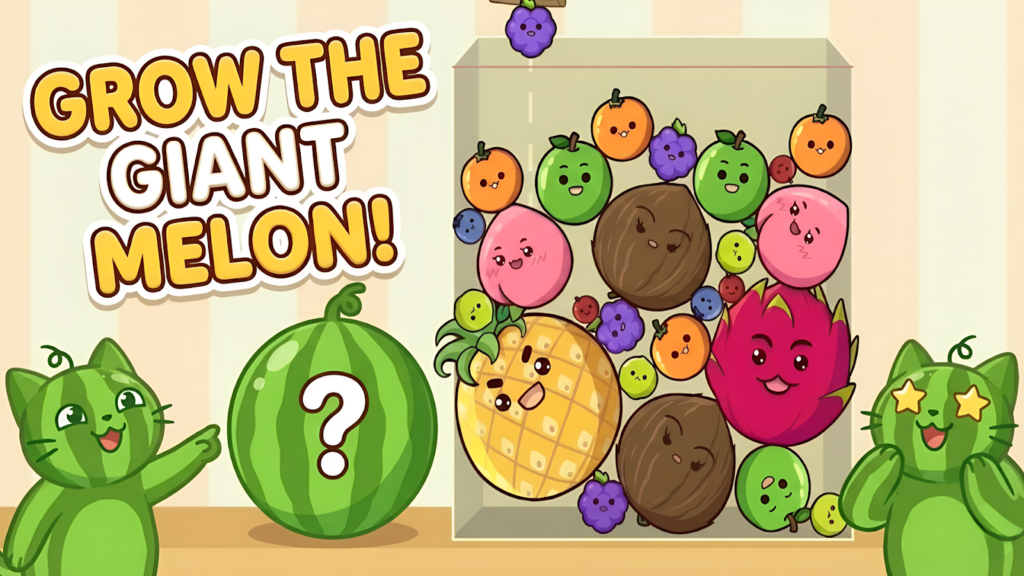
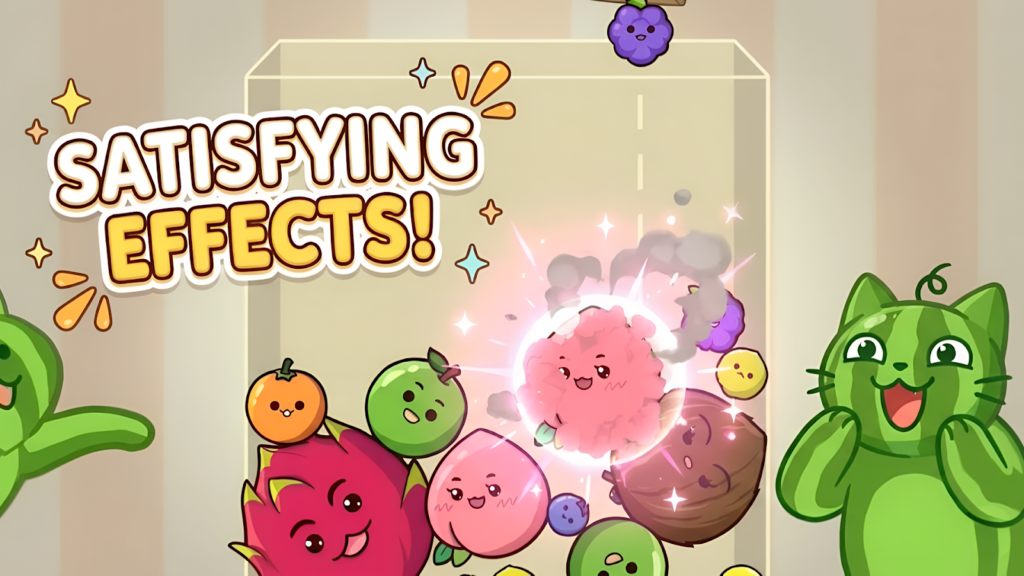
This is basically Suika Game (Watermelon Game) with a fresh coat of paint. You drop fruits into a container, and when two identical fruits touch, they merge into a bigger fruit. The goal is to create the largest fruit possible without letting the pile reach the top red line. The physics are surprisingly smooth for a browser game—fruits bounce and roll realistically, which makes the gameplay feel satisfying. The challenge comes from predicting where fruits will land and planning your drops to set up future merges. It’s simple but weirdly addictive once you get into the rhythm. The Unity engine handles the visuals well, with bright, colorful fruit sprites and decent particle effects when merges happen.
Personal Experience
From the author: I jumped in expecting another generic merge clone, but the physics actually impressed me. Watching fruits tumble and collide felt responsive, and I found myself carefully planning each drop to maximize space. The game gets tense when the container fills up—I had several moments where I thought I was done, only to pull off a last-second merge that cleared space. After about 20 minutes, I hit a high score and felt genuinely satisfied. The ‘juicy’ sound effects are a nice touch, though they can get repetitive.
How to Play
Controls: Mouse: Click to drop fruits into the container. Aim carefully to position them for merges.
Goal: Merge identical fruits to create larger varieties and achieve the highest score without letting fruits cross the red line at the top
Performance & Browser Compatibility
Speed: Fast loading, consistent 60 FPS with smooth physics
Works best on: Desktop or tablet (precision aiming helps)
Browser: Chrome, Firefox, Safari (HTML5)
Who is this game for?
Great for casual puzzle fans aged 10-35 who enjoy physics-based games and quick sessions. Perfect for office breaks or when you need a 5-10 minute distraction. Also works well for kids learning spatial reasoning.
Pros & Cons
✅ Pros
- Smooth, satisfying physics that feel responsive
- Vibrant, polished graphics with clear visual feedback
- Easy to learn but has genuine strategic depth
⛔ Cons
- Gets repetitive after 30+ minutes of continuous play
- No progression system or unlockables—just high scores
- Sound effects can become annoying with prolonged play
3. Merge World
Quick Info
- Genre: Building Simulation
- Developer: Inlogic Software s.r.o.
- Rating: 4.2/5.0 (144 ratings)
Gameplay Video
Watch real gameplay footage
Screenshots

Screenshot 1
Screenshot 2
Screenshot 3
What’s the Point?
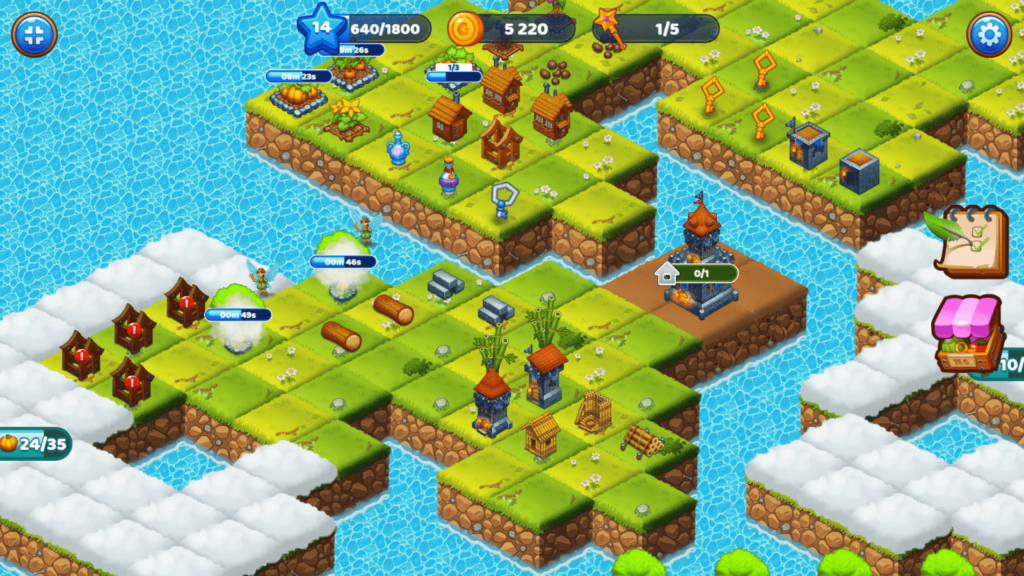
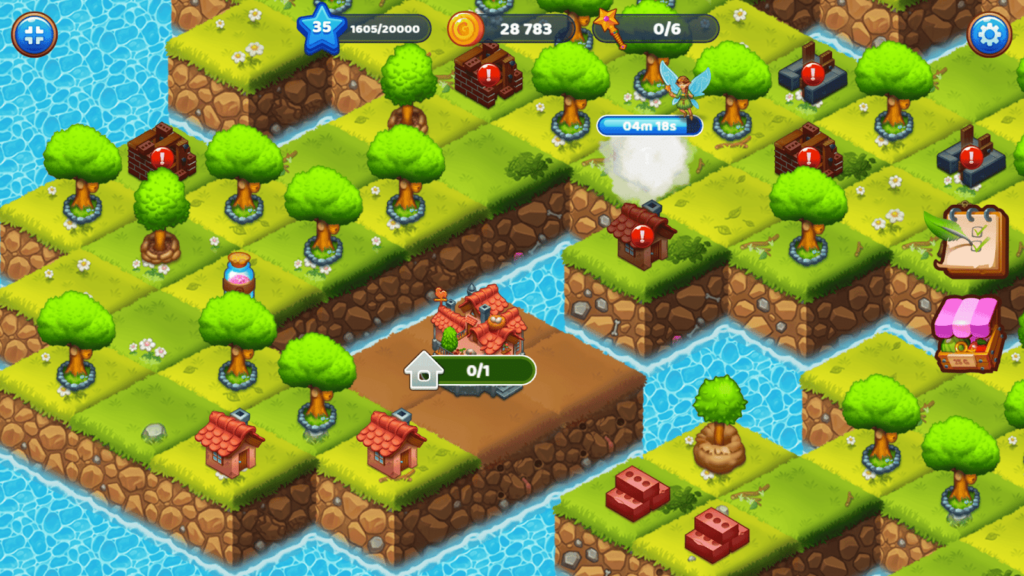
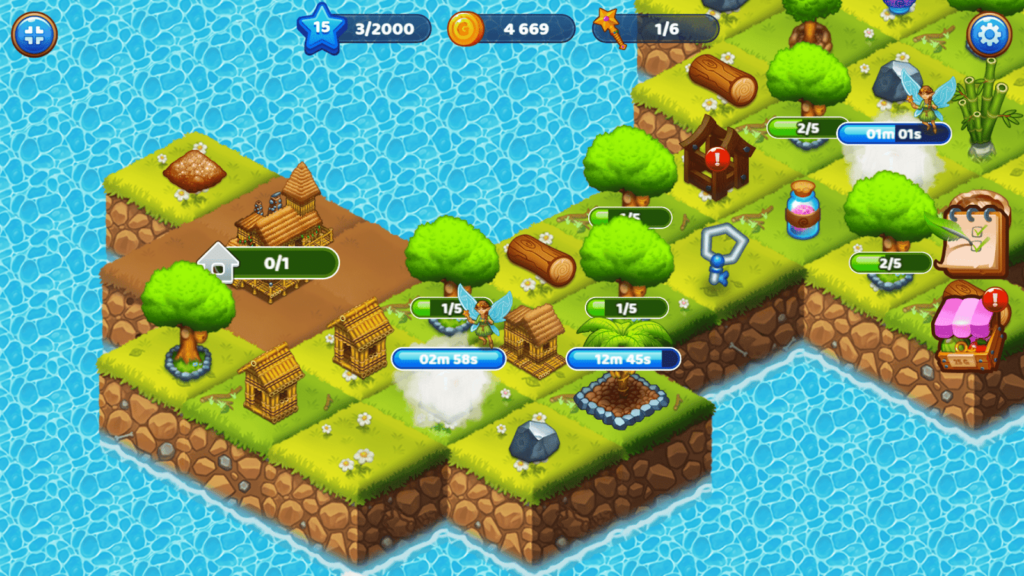
You’re building a fantasy world by merging materials into structures. Merge three identical items (not two, which is unusual) to create a building blueprint, then use fairy workers to construct it. Once built, you can merge buildings to create even bigger structures. The hook is the ‘depositories’—you submit your highest-level buildings for rewards, which lets you unlock more content. There’s also a rainbow flask system that acts as a wildcard for merging. The game has a light progression system with unlockables, but the core loop is just merging materials over and over. The fairy workers add a bit of flavor, but they’re mostly just timers—you assign them to a building and wait for it to finish.
Personal Experience
From the author: I started by merging basic materials like wood and stone, which felt familiar from other merge games. The three-item merge requirement threw me off at first—I kept trying to merge pairs and nothing happened. Once I figured it out, the gameplay settled into a predictable rhythm. The fairy workers are cute, but waiting for buildings to construct felt like artificial padding. I did enjoy seeing my world fill up with structures, and the depositories gave me short-term goals to work toward. After about 15 minutes, though, I realized I was just repeating the same actions with no real variation.
How to Play
Controls: Mouse: Drag and drop three identical items to merge them. Assign fairy workers to construct buildings.
Goal: Merge materials into buildings, construct them with fairy workers, and merge buildings to create larger structures. Submit high-level buildings to depositories for rewards.
Performance & Browser Compatibility
Speed: Loads moderately fast, runs smoothly with occasional minor stutters
Works best on: Desktop (lots of UI elements to manage)
Browser: Chrome, Firefox, Safari (HTML5)
Who is this game for?
Best for casual players aged 8-30 who enjoy building and progression systems. If you like seeing your world grow over time and don’t mind waiting for timers, this will appeal to you. Good for kids who enjoy creative, low-pressure games.
Pros & Cons
✅ Pros
- Building and customization adds visual variety
- Three-item merge adds a slight strategic twist
- Fairy workers and depositories provide short-term goals
⛔ Cons
- Waiting for fairy workers to build feels like mobile-style padding
- Repetitive merge loop with minimal variation
- Graphics are basic and lack polish
4. Chicken Merge
Quick Info
- Genre: Tower Defense
- Developer: Beedo Games
- Rating: 4.8/5.0 (2869 ratings)
Gameplay Video
Watch real gameplay footage
Screenshots

Screenshot 1
Screenshot 2
Screenshot 3
What’s the Point?
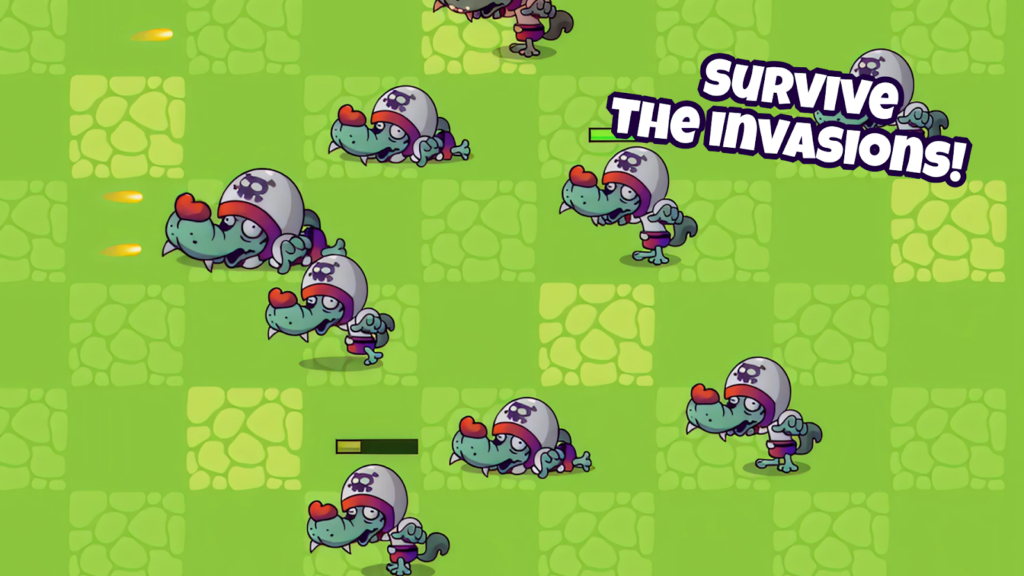
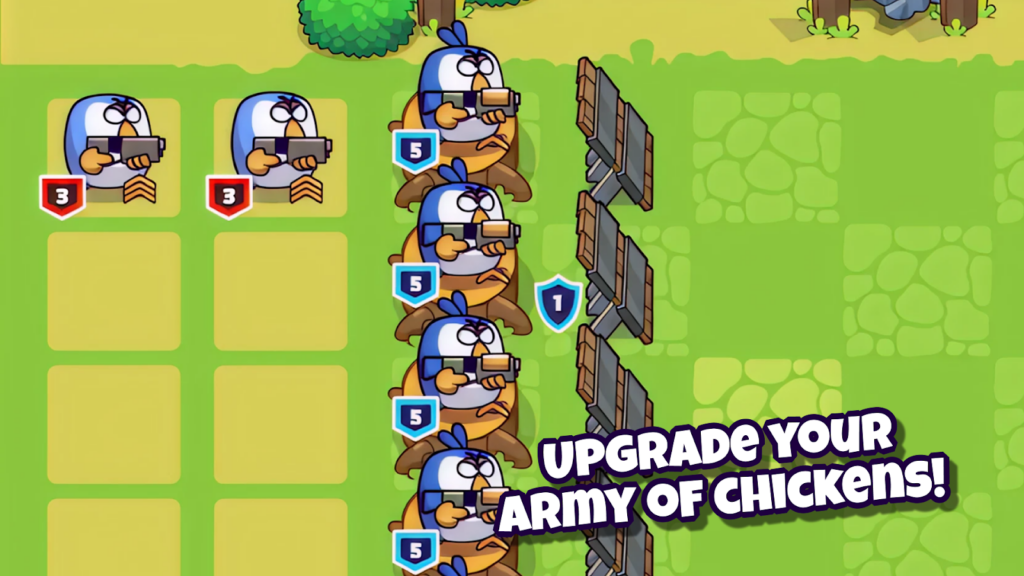
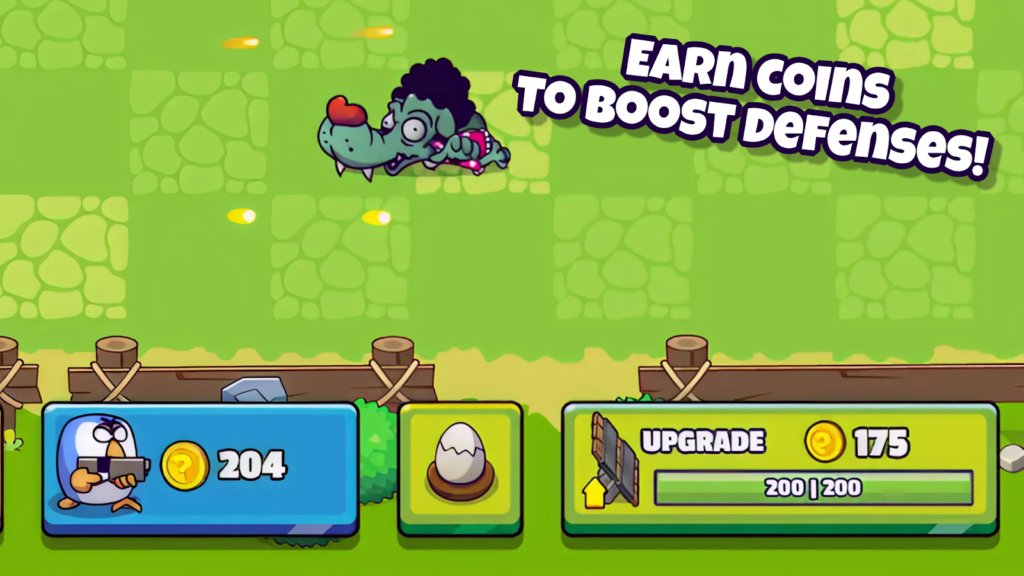
This is where merge mechanics meet tower defense, and it actually works. You train chicken units, merge identical ones to create stronger chickens, then place them on defense lines to automatically attack waves of enemies. The key is positioning—elite units deal more damage, so you want them in optimal spots. You earn coins from clearing waves, which lets you train more units and build a stronger army. The gameplay loop is satisfying: train, merge, position, watch the battle, collect coins, repeat. What makes this stand out is the actual strategy involved. You can’t just spam units—you need to think about placement, unit types, and when to merge versus when to deploy. The tower defense element adds tension that most merge games lack.
Personal Experience
From the author: I wasn’t expecting much from a game about merging chickens, but I got hooked fast. The first few waves were easy, so I got cocky and stopped planning my placements. Then wave 5 hit, and I got destroyed because my units were poorly positioned. I restarted, actually thought about where to put my strongest chickens, and cleared it. That moment of ‘oh, strategy actually matters here’ made me respect the game. The battles are automated, but watching your army defend the base while you plan your next merge is genuinely engaging. I played for 30 minutes straight without getting bored.
How to Play
Controls: Mouse: Click to train units, drag identical units together to merge, then drag merged units onto defense positions.
Goal: Train and merge chicken units to create a powerful army, place them strategically on defense lines, and clear enemy waves to earn coins for more units
Performance & Browser Compatibility
Speed: Loads quickly, smooth animations with no performance issues
Works best on: Desktop (easier to manage unit placement with mouse)
Browser: Chrome, Firefox, Safari (HTML5)
Who is this game for?
Perfect for strategy fans aged 12-35 who want a merge game with actual depth. If you enjoy tower defense or tactical placement games, this will satisfy you. Great for players who want to think, not just mindlessly merge.
Pros & Cons
✅ Pros
- Strategic depth—placement and unit composition matter
- Satisfying progression with meaningful upgrades
- Tower defense mechanics add tension and challenge
⛔ Cons
- Can feel grindy when you’re stuck on a difficult wave
- Graphics are simple and lack visual polish
- Automated battles mean you can’t directly control units
5. Piece of Cake: Merge & Bake
Quick Info
- Genre: Café Management
- Developer: HAPPY GAMES STUDIO
- Rating: 4.0/5.0 (2637 ratings)
Gameplay Video
Watch real gameplay footage
Screenshots
Screenshot 1
Screenshot 2
Screenshot 3
What’s the Point?
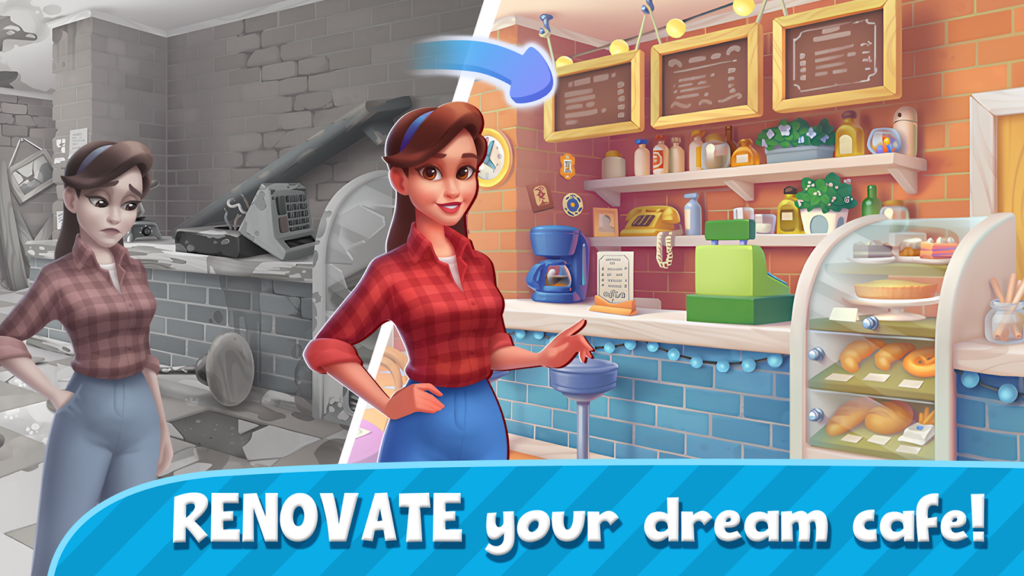
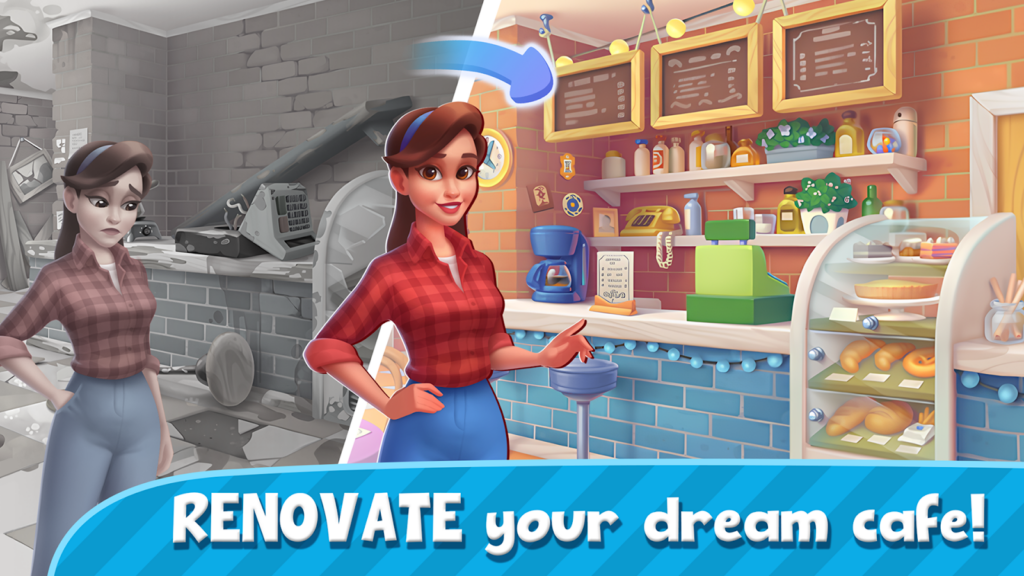
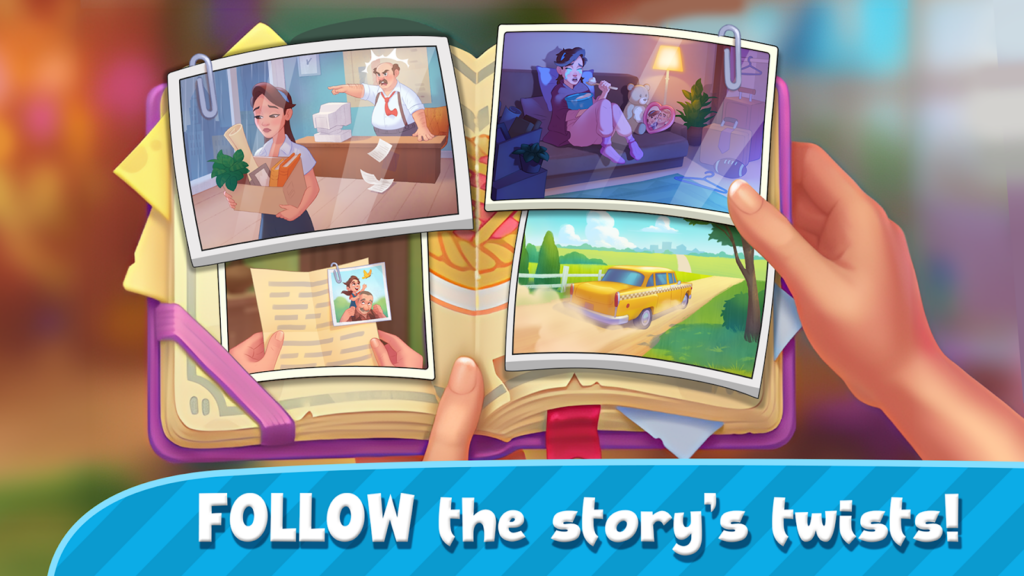
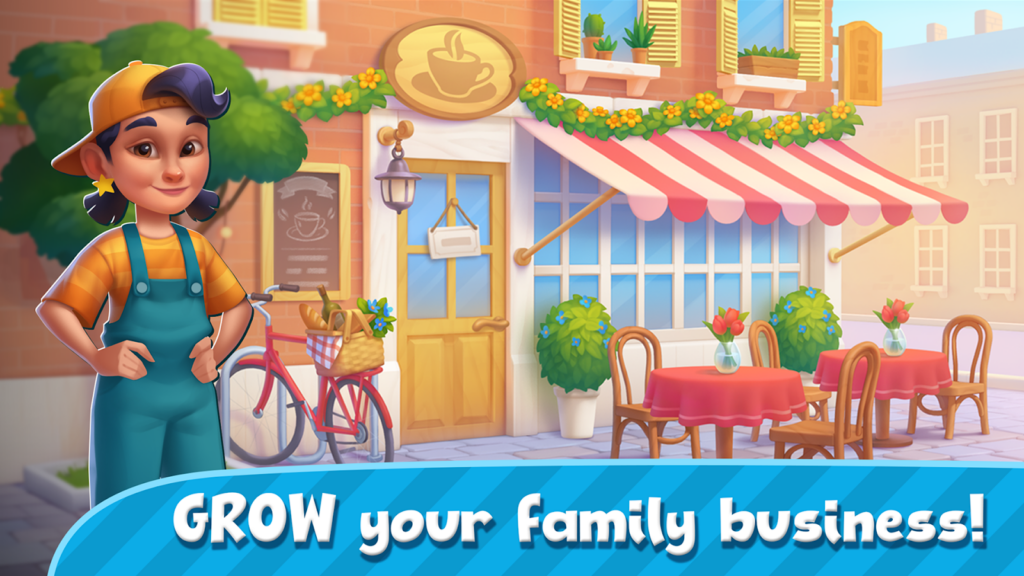
This is a merge game wrapped in a narrative about Emily growing her café and uncovering family secrets in a mansion. You merge ingredients and items to complete tasks, earn rewards, and unlock new areas of the story. The merge mechanics are standard—combine items to create better versions, use them to fulfill orders or complete objectives. What sets this apart (in theory) is the story and café management layer. You’re not just merging for the sake of merging; you’re progressing through a narrative and building up your café empire. The problem is that the story feels thin, and the merge gameplay is identical to every other merge game. The mansion exploration is a nice touch, but it’s mostly just unlocking new areas to… do more merging.
Personal Experience
From the author: I started playing expecting a cozy café sim with merge elements, and that’s sort of what I got. The first few minutes were spent merging basic items to complete Emily’s initial tasks, which felt fine. The story cutscenes popped up occasionally, but they were brief and didn’t add much depth. After about 20 minutes, I realized the ‘management’ part was minimal—I was just merging items to check off tasks on a list. The mansion setting is pretty, but it’s mostly window dressing. If you’re here for the story, you’ll be disappointed. If you’re here to merge stuff, it’s functional but forgettable.
How to Play
Controls: Mouse or touch: Tap to navigate, drag items to merge them.
Goal: Merge ingredients and items to complete tasks, help Emily grow her café, and unlock new areas of the mansion while uncovering family secrets
Performance & Browser Compatibility
Speed: Moderate loading time, runs smoothly once loaded
Works best on: Mobile or tablet (designed for touch controls)
Browser: Chrome, Firefox, Safari (HTML5)
Who is this game for?
Best for casual players aged 15-40 who enjoy story-driven games with light puzzle elements. If you like café management sims or narrative-focused mobile games, this might appeal to you. Good for relaxed, no-pressure sessions.
Pros & Cons
✅ Pros
- Story and café theme add context to merging
- Mansion setting is visually appealing
- Relaxing gameplay with no fail states
⛔ Cons
- Story is thin and doesn’t add much depth
- Merge mechanics are generic and repetitive
- Café ‘management’ is minimal—mostly just merging
6. Pirates Merge: War Path
Quick Info
- Genre: Strategy Adventure
- Developer: Beedo Games
- Rating: 4.5/5.0 (1413 ratings)
Gameplay Video
Watch real gameplay footage
Screenshots
Screenshot 1
Screenshot 2
Screenshot 3
What’s the Point?
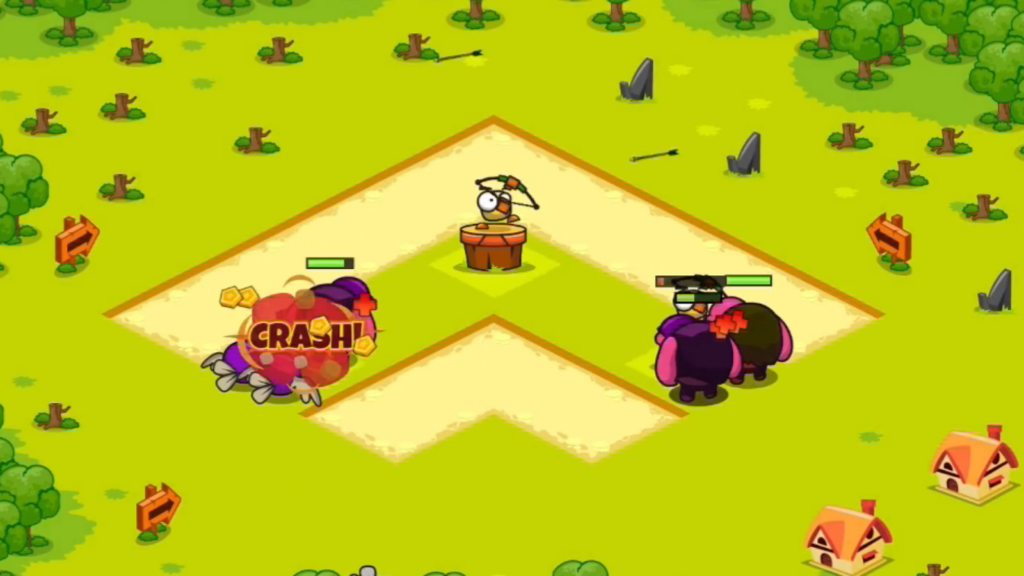
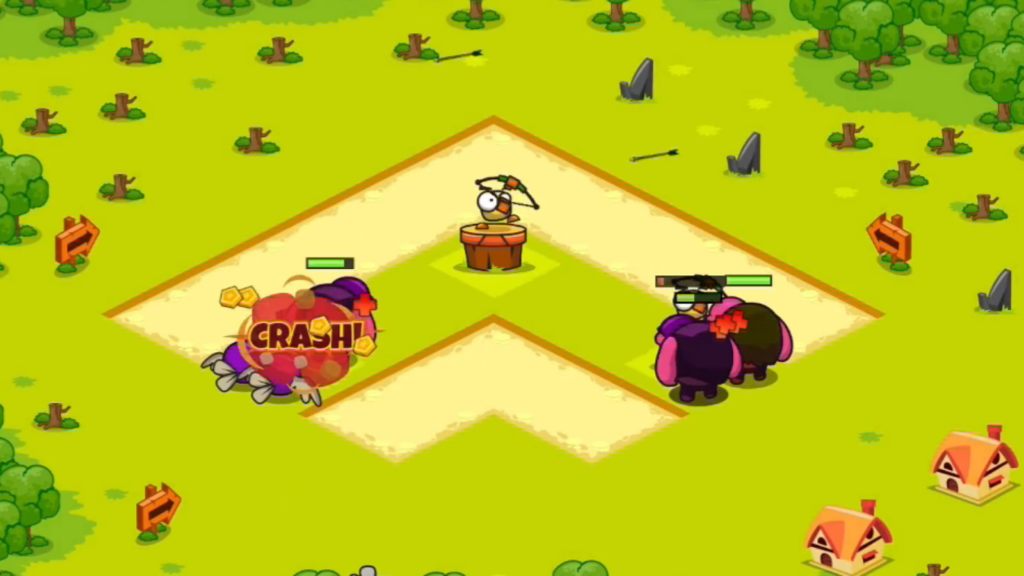
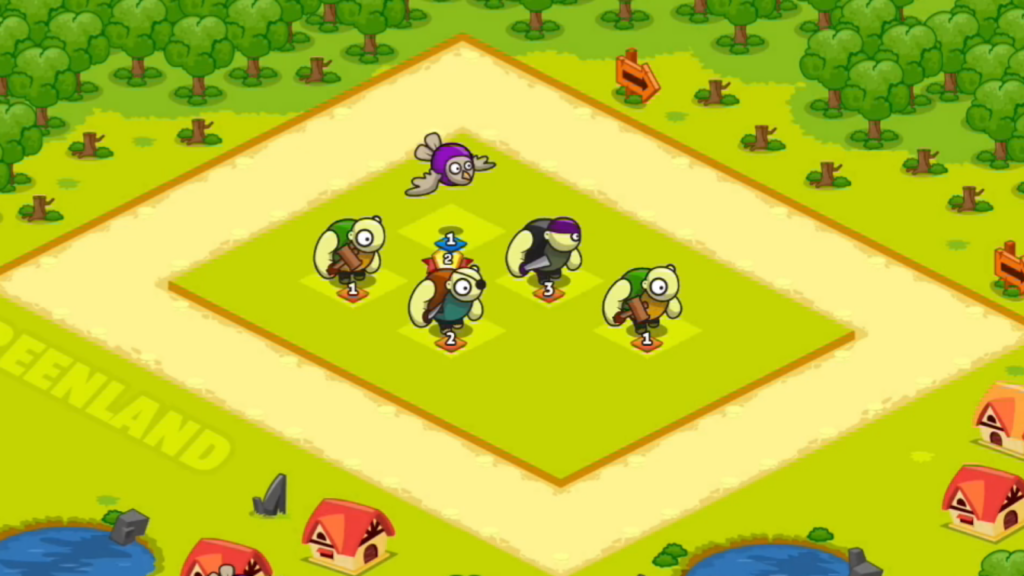
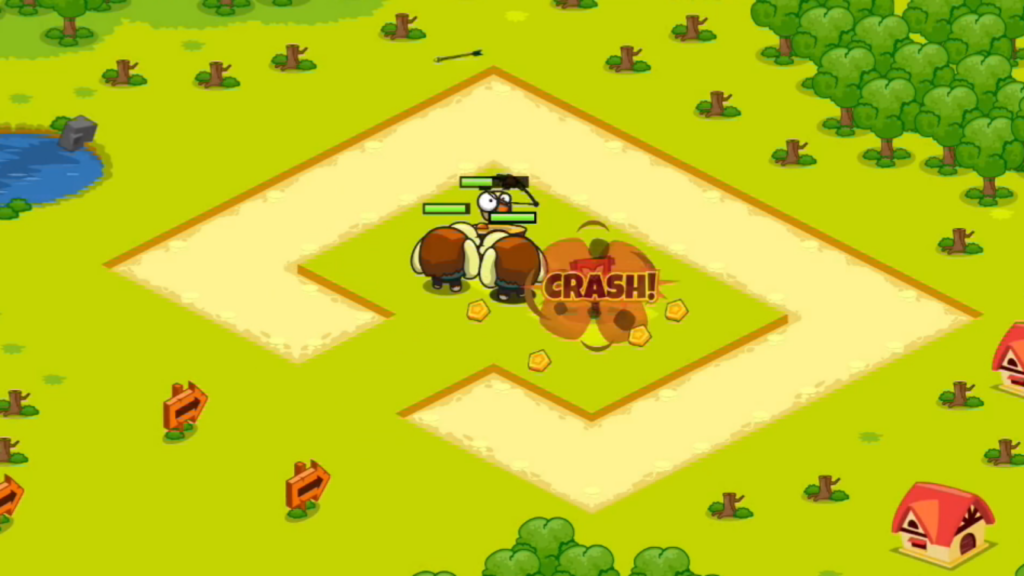
You’re building a pirate army by merging swashbucklers, then sending them to battle across 50 missions in three regions. The twist is that you have both ground and flying units—ground units tank damage, while flying units go straight for enemy defenses. You train units, merge them to create stronger pirates, then deploy them on the battlefield to destroy enemy structures and loot coins. The strategy comes from balancing your army composition and deciding when to merge versus when to deploy. The mission structure gives you clear goals, and the regional progression adds a sense of advancement. It’s similar to Chicken Merge but with a pirate theme and a campaign mode.
Personal Experience
From the author: I jumped into the first mission expecting a quick win, and I got it—too easy. By mission 10, though, the difficulty ramped up, and I had to actually think about my army composition. I learned the hard way that spamming flying units doesn’t work when enemies have anti-air defenses. The moment I started mixing ground tanks with flying attackers, battles became way more interesting. Watching my pirate army storm enemy bases while I planned my next merge felt satisfying. The campaign structure kept me engaged longer than I expected—I wanted to see what the next region looked like.
How to Play
Controls: Mouse: Click to train units, drag identical units to merge, then drag merged units onto the battlefield.
Goal: Train and merge pirate units, deploy them strategically to destroy enemy defenses, loot coins, and complete 50 missions across three regions
Performance & Browser Compatibility
Speed: Loads quickly, smooth gameplay with no lag
Works best on: Desktop (easier to manage units with mouse)
Browser: Chrome, Firefox, Safari (HTML5)
Who is this game for?
Great for strategy fans aged 10-30 who want a merge game with mission-based progression. If you enjoy army-building and tactical deployment, this will keep you engaged. Perfect for players who like clear goals and campaigns.
Pros & Cons
✅ Pros
- Mission structure provides clear goals and progression
- Flying vs. ground units add strategic depth
- Campaign mode keeps gameplay varied across regions
⛔ Cons
- Early missions are too easy—takes time to get challenging
- Graphics are basic and lack visual flair
- Can feel grindy when you’re stuck on a tough mission
7. 2048: X2 Legend
Quick Info
- Genre: Number Puzzle
- Developer: Inlogic Software s.r.o.
- Rating: 4.5/5.0 (80 ratings)
Gameplay Video
Watch real gameplay footage
Screenshots
Screenshot 1
Screenshot 2
Screenshot 3
What’s the Point?
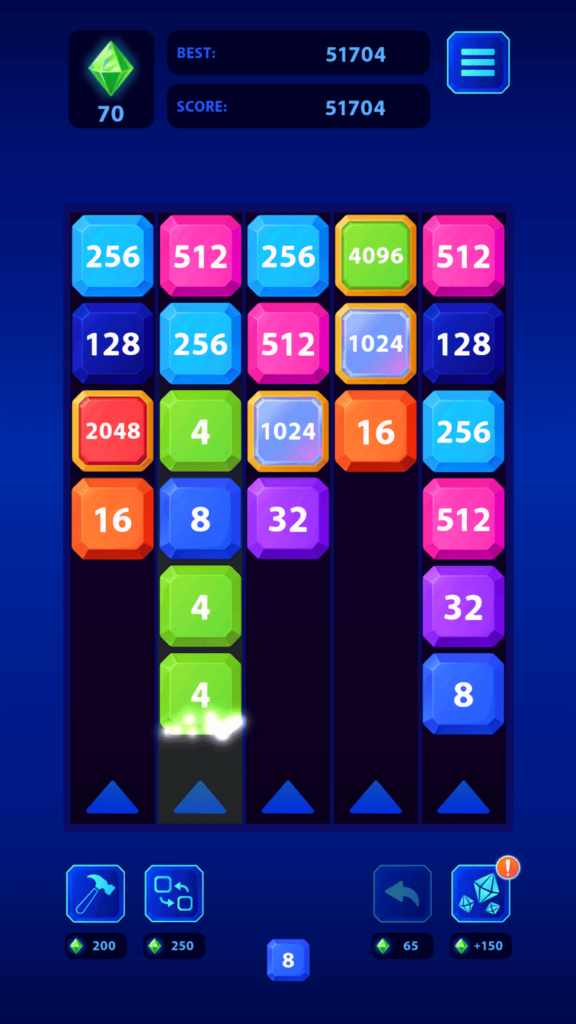
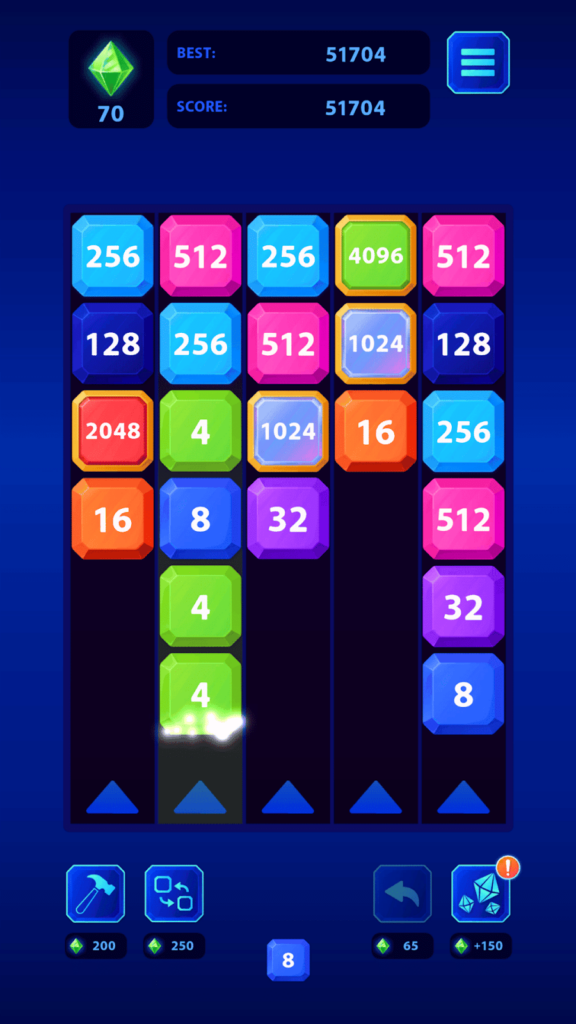
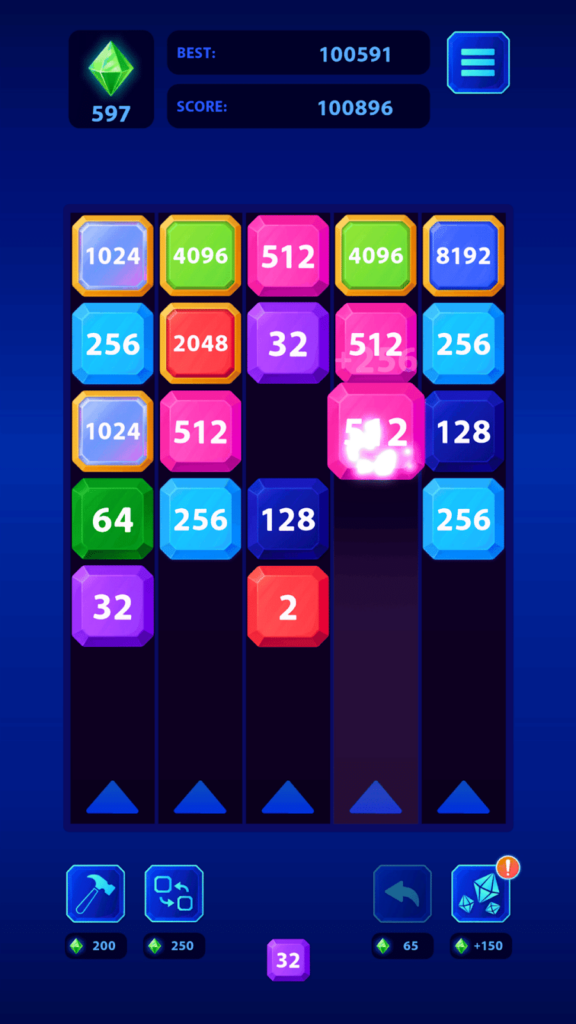
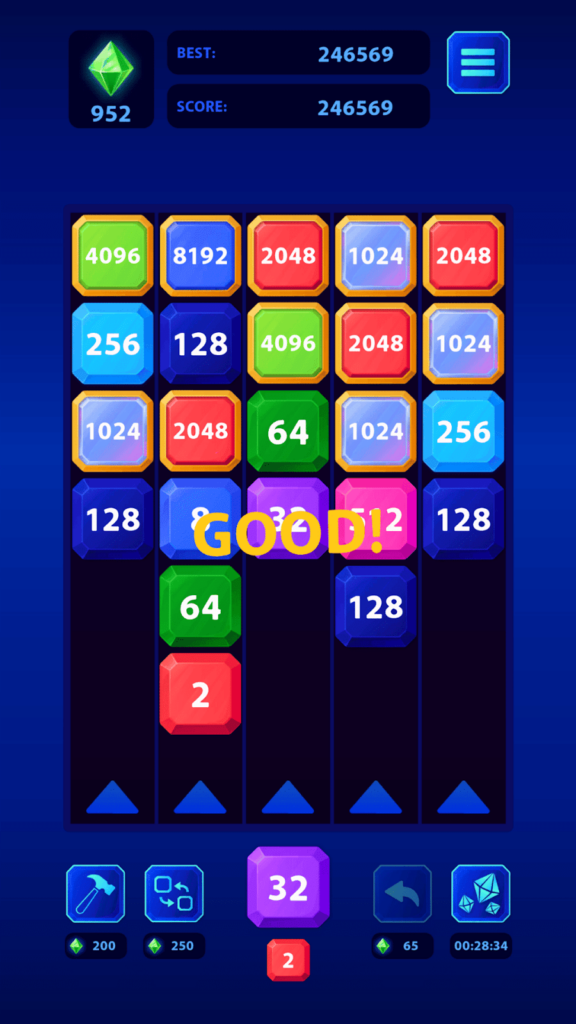
This is 2048 meets bubble shooter. Instead of sliding tiles on a grid, you shoot numbered blocks at other blocks with the same number to combine them into higher values. The goal is to reach the highest number possible (ideally 2048 or beyond) before running out of space. You aim and shoot blocks upward, and when they hit matching blocks, they merge. The challenge is managing the limited space—if blocks stack too high, it’s game over. There are boosters to help when you’re in a tight spot, which add a bit of strategy. The shooting mechanic makes it feel more active than traditional 2048, but the core concept is identical. It’s a decent twist on a familiar formula.
Personal Experience
From the author: I’ve played dozens of 2048 clones, so I wasn’t expecting anything special. The shooting mechanic caught me off guard—it feels more engaging than swiping tiles. I had to actually aim my shots to set up future merges, which added a layer of planning I didn’t expect. The boosters saved me a few times when I painted myself into a corner. After about 15 minutes, though, the novelty wore off, and I realized I was just playing 2048 with extra steps. It’s fun for a quick session, but it doesn’t reinvent the wheel.
How to Play
Controls: Mouse: Aim and click to shoot numbered blocks at matching blocks to combine them.
Goal: Shoot and merge blocks to reach the highest number possible (2048+) before running out of space. Use boosters to clear tight spots.
Performance & Browser Compatibility
Speed: Loads fast, runs smoothly with no performance issues
Works best on: Desktop or mobile (simple controls work on both)
Browser: Chrome, Firefox, Safari (HTML5)
Who is this game for?
Perfect for puzzle fans aged 10-40 who enjoy number games and quick, casual sessions. If you like 2048 or bubble shooters, this combines both. Great for short breaks or commutes.
Pros & Cons
✅ Pros
- Shooting mechanic makes 2048 feel more active
- Boosters add strategic options when you’re stuck
- Easy to pick up and play in short bursts
⛔ Cons
- Core gameplay is still just 2048 with a reskin
- Gets repetitive after 20-30 minutes
- Graphics are basic and lack personality
8. Watermelon Game
Quick Info
- Genre: Physics Puzzle
- Developer: Dmitry FTD
- Rating: 4.5/5.0 (2474 ratings)
Gameplay Video
Watch real gameplay footage
Screenshots
Screenshot 1
Screenshot 2
Screenshot 3
What’s the Point?
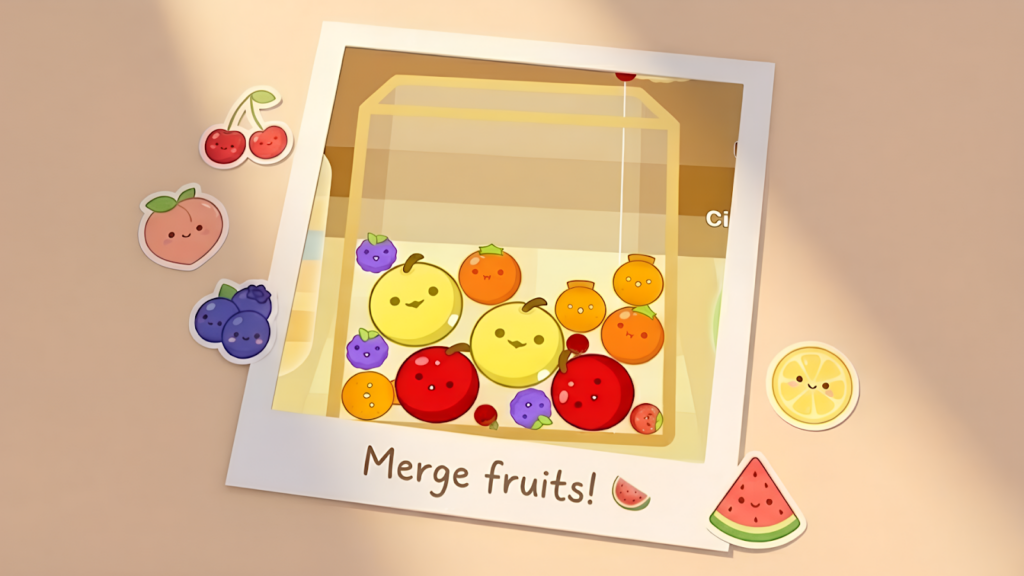
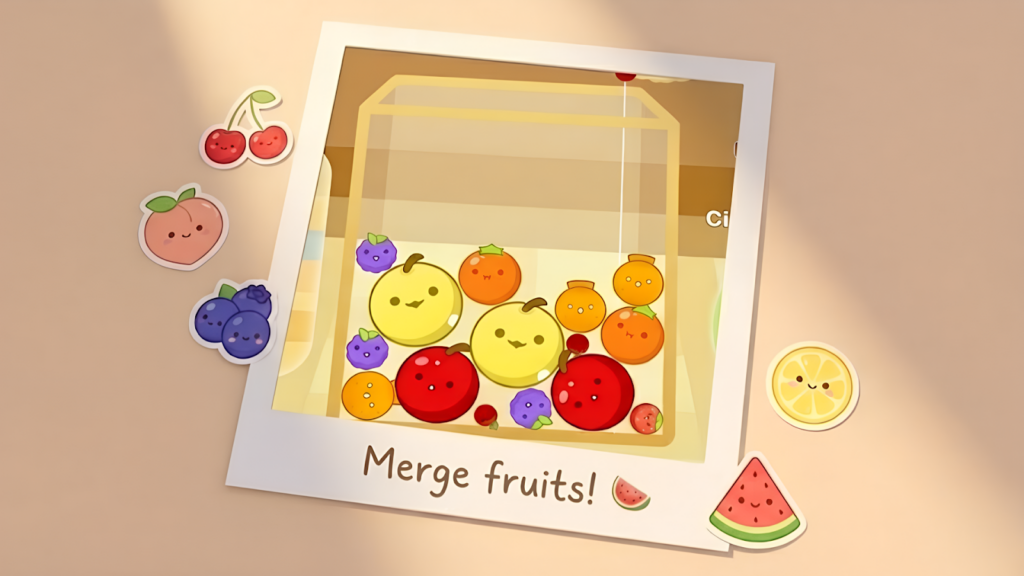
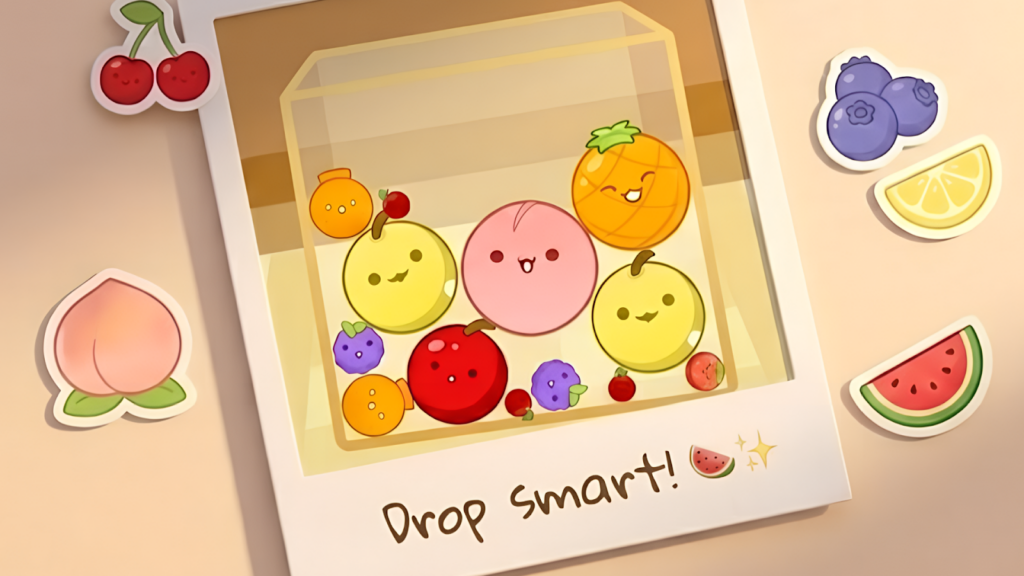
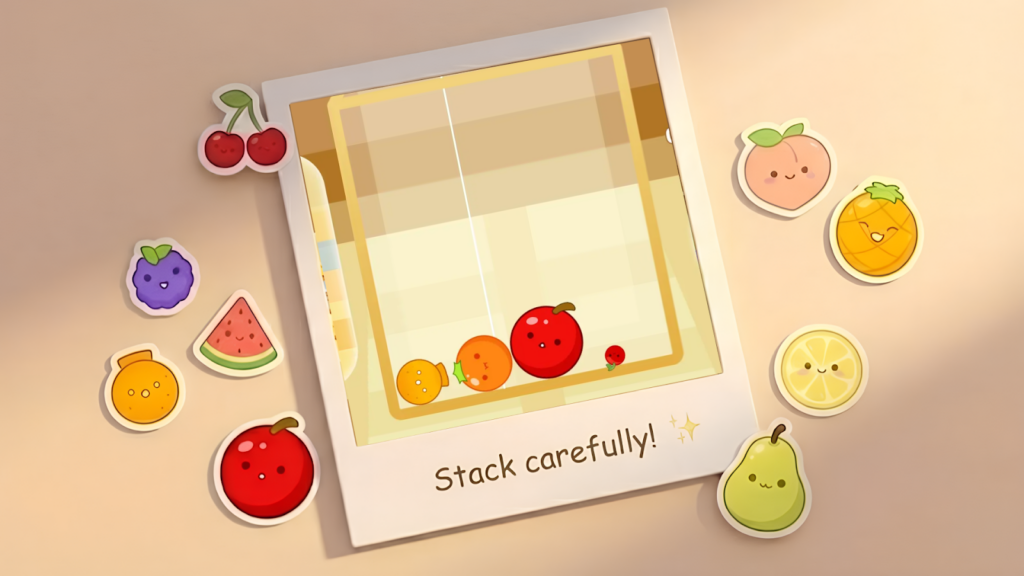
This is the original Suika Game formula: drop fruits into a box, and when two identical fruits touch, they merge into a bigger fruit. Keep merging until you create a watermelon (the largest fruit). The challenge is managing space—if fruits pile up and cross the top line, you lose. The physics are straightforward but satisfying. Fruits roll and bounce realistically, which makes planning your drops important. There’s no story, no progression, no unlockables—just you, a box, and an endless supply of fruits. It’s pure, distilled merge gameplay. The simplicity is both its strength and weakness. If you want a no-frills merge game to zone out with, this is it.
Personal Experience
From the author: I dropped my first fruit, watched it bounce, and immediately understood the game. No tutorial needed—just drop and merge. The first few minutes were relaxing as I casually merged grapes into oranges. Then the box started filling up, and I had to actually think about where to place each fruit. I had one run where I got so close to a watermelon, only to lose because I misjudged a drop. That ‘one more try’ feeling kicked in, and I played for another 20 minutes. It’s simple, but it works.
How to Play
Controls: Mouse: Click to drop fruits into the box. Aim carefully to position them for merges.
Goal: Merge identical fruits to create larger fruits, eventually forming a watermelon. Prevent fruits from crossing the top line to avoid losing.
Performance & Browser Compatibility
Speed: Loads instantly, runs smoothly with no lag
Works best on: Desktop or mobile (works great on both)
Browser: Chrome, Firefox, Safari (HTML5)
Who is this game for?
Perfect for anyone aged 8-50 who wants a simple, no-pressure puzzle game. Great for beginners or casual players who just want to relax. Ideal for quick 5-10 minute sessions during breaks.
Pros & Cons
✅ Pros
- Incredibly simple to learn—no tutorial needed
- Satisfying physics make merging feel rewarding
- No ads, no timers, no pressure—just pure gameplay
⛔ Cons
- Zero progression or unlockables—just high scores
- Can get repetitive after 30+ minutes
- Graphics are basic 2D sprites with no flair
9. Merge guns versus zombies
Quick Info
- Genre: Auto-Battler
- Developer: nobodyshot ltd
- Rating: 4.3/5.0 (729 ratings)
Screenshots
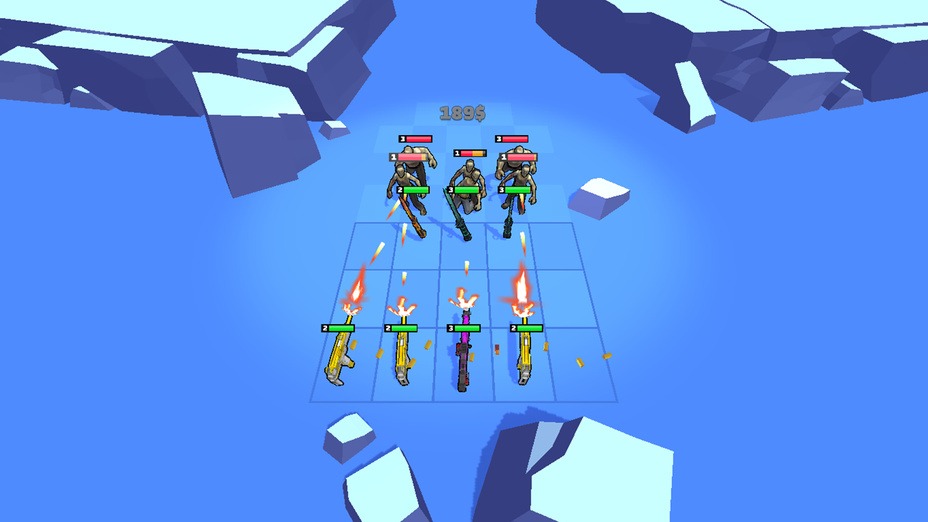
Weapons attacking enemies
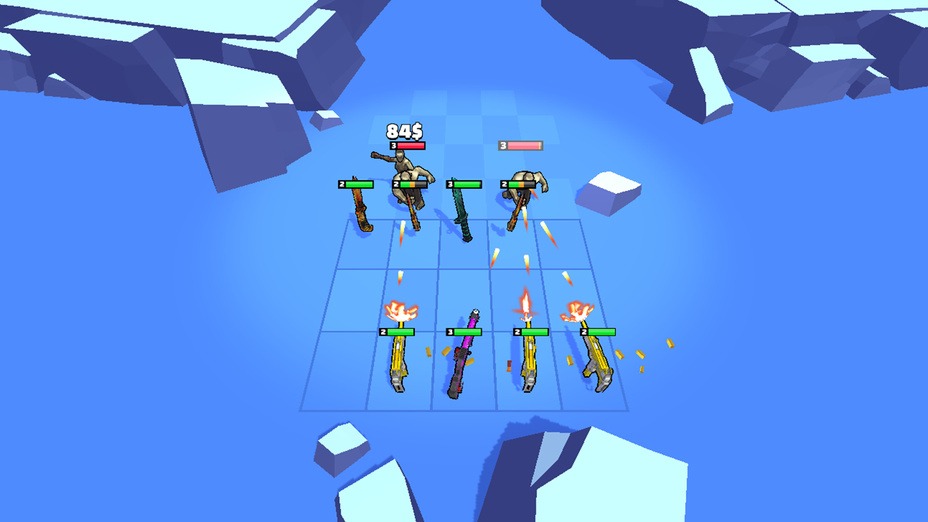
Combat in progress
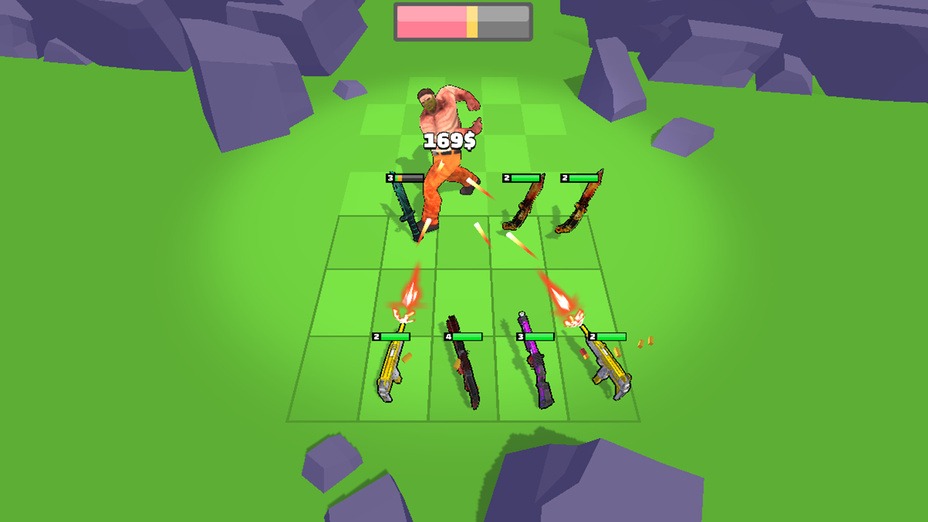
Boss battle, new environment
What’s the Point?
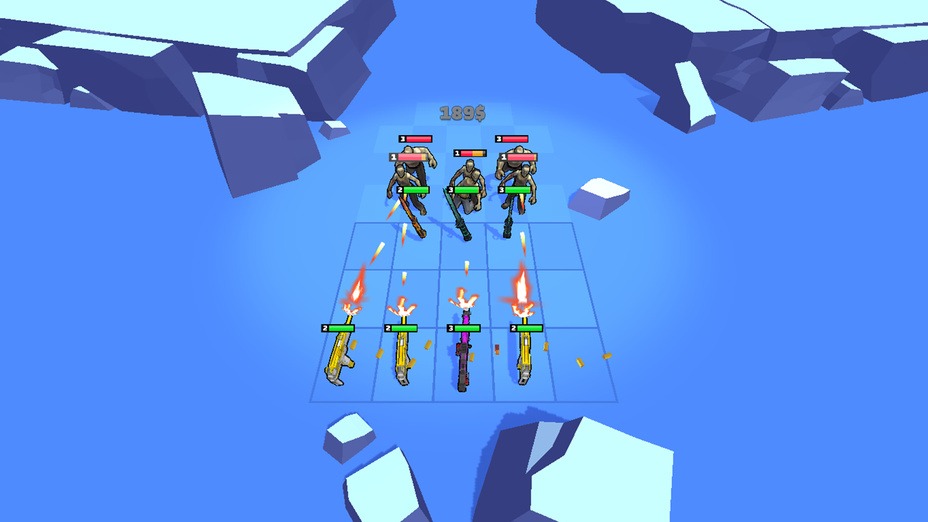
You’re defending against zombie waves by placing and merging weapon units on a grid. Buy units, merge identical ones to create stronger weapons, then place them strategically on the battlefield. The units auto-attack enemies, so your job is planning placement and upgrades. It’s a grid-based auto-battler with merge mechanics—think tower defense without the towers. The strategy comes from positioning your strongest units where they’ll do the most damage and managing your economy to afford better weapons. The low-poly art style is basic but functional. It’s a solid concept, but it feels like a mobile game that didn’t get much love in the browser port.
Personal Experience
From the author: I started by placing a few basic guns on the grid and watched them shoot at zombies. The auto-battle system meant I wasn’t doing much during fights—just observing and planning my next merge. I learned quickly that placing my best units in the front row was a mistake; they got overwhelmed. Moving them to the back and using weaker units as a frontline worked way better. The tactical placement added depth I didn’t expect from a merge game. After about 20 minutes, though, the repetitive loop of ‘buy, merge, place, watch’ started to wear on me.
How to Play
Controls: Mouse: Click to buy units, drag identical units to merge, then place them on the grid.
Goal: Place and merge weapon units on the grid to automatically attack zombie waves. Use tactics to position units effectively and defeat enemies.
Performance & Browser Compatibility
Speed: Moderate loading time, smooth gameplay once loaded
Works best on: Desktop (grid placement easier with mouse)
Browser: Chrome, Firefox, Safari (HTML5)
Who is this game for?
Best for strategy fans aged 12-30 who enjoy auto-battlers and tactical placement. If you like tower defense or idle games with strategic depth, this will appeal to you. Good for players who prefer planning over action.
Pros & Cons
✅ Pros
- Tactical placement adds strategic depth
- Auto-battle system lets you focus on planning
- Clear progression through waves and upgrades
⛔ Cons
- Low-poly graphics are basic and lack polish
- Auto-battle means you’re mostly watching, not playing
- Feels like a mobile port with minimal optimization
10. Monster Merge: Legends Alive
Quick Info
- Genre: Physics Puzzle
- Developer: Vradjarad
- Rating: 4.4/5.0 (1283 ratings)
Gameplay Video
Watch real gameplay footage
Screenshots
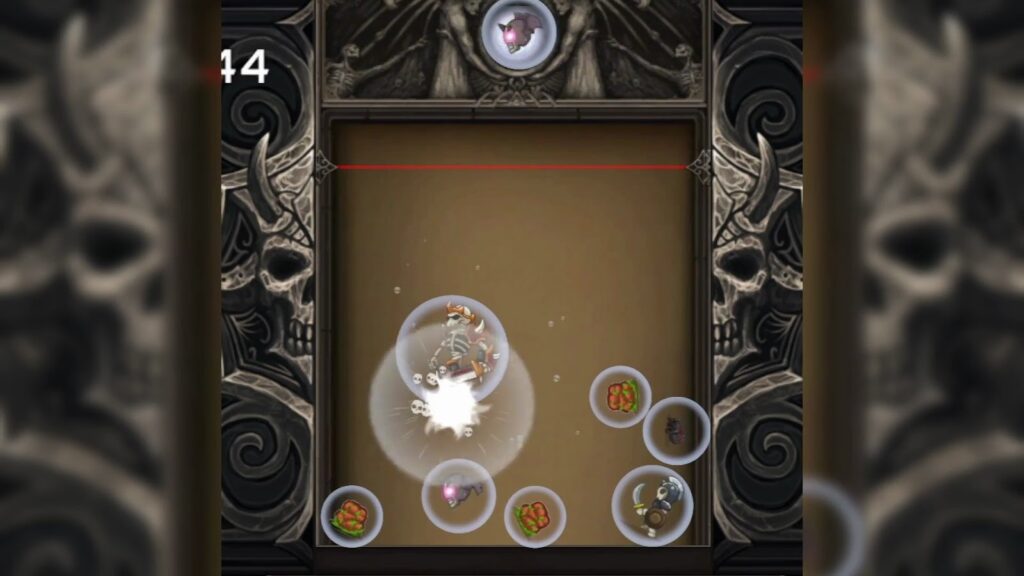
Objects falling, merging
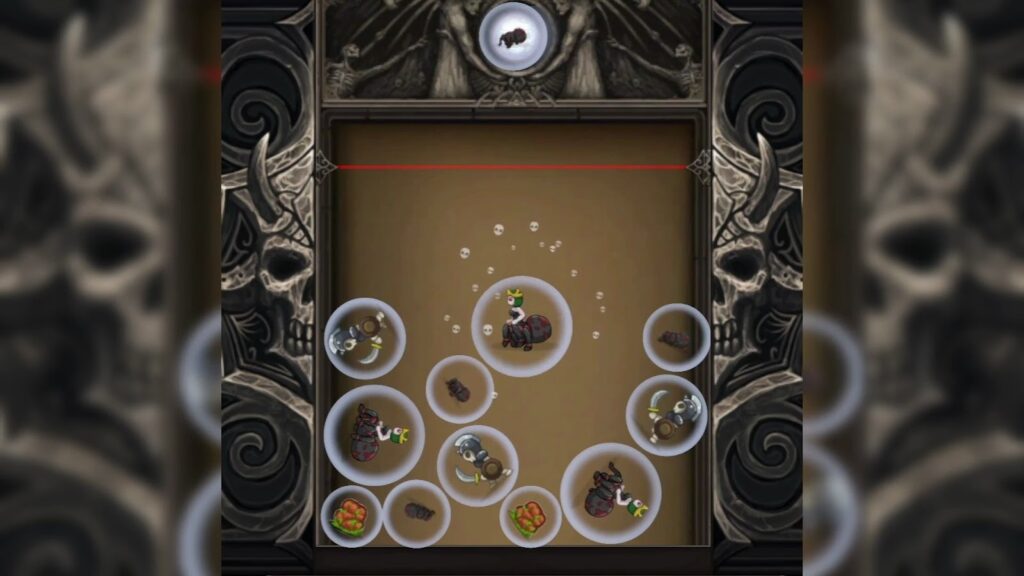
Object merge, skull particles
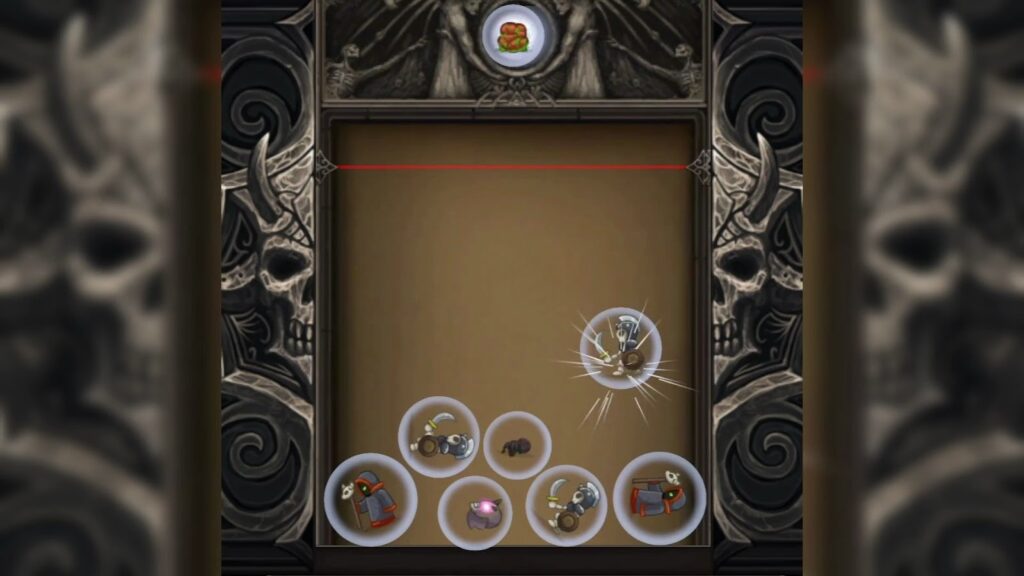
New object dropping
What’s the Point?
This is yet another Suika Game clone, but with a ‘dark fantasy’ reskin. Drop monsters (encased in bubbles) into a container, merge identical ones to create bigger monsters, and prevent them from crossing the top line. The core mechanics are identical to Watermelon Game and Fruit Merge—it’s just monsters instead of fruits. The physics work fine, and the merge explosions have a bit of flair, but there’s nothing here that sets it apart from the dozens of other Suika clones. The ‘dark fantasy’ theme is barely present—it’s just slightly edgier sprites. If you’ve played any other physics-based merge game, you’ve already played this.
Personal Experience
From the author: I dropped my first monster, watched it bounce, and thought, ‘Yep, this is Suika Game with monsters.’ The gameplay loop is identical—drop, merge, manage space, repeat. The bubble-encased monsters are a visual quirk, but they don’t change how the game feels. I played for about 10 minutes before realizing I was just going through the motions. There’s nothing wrong with it, but there’s also nothing memorable. If you want a Suika clone with a darker aesthetic, this works. Otherwise, play the original.
How to Play
Controls: Mouse or touch: Tap to drop monsters into the container. Aim carefully to position them for merges.
Goal: Merge identical monsters to create larger, higher-tier monsters. Prevent monsters from crossing the red line at the top to avoid losing.
Performance & Browser Compatibility
Speed: Loads quickly, runs smoothly with basic physics
Works best on: Desktop or mobile (simple controls work on both)
Browser: Chrome, Firefox, Safari (HTML5)
Who is this game for?
Casual puzzle fans aged 10-30 who enjoy physics-based merge games and prefer a darker aesthetic. If you’ve already played Watermelon Game and want a slight variation, this might interest you. Otherwise, skip it.
Pros & Cons
✅ Pros
- Familiar Suika Game mechanics that are easy to pick up
- Dark fantasy theme offers a slight visual change
- Smooth physics with satisfying merge effects
⛔ Cons
- Blatant Suika Game clone with minimal originality
- Dark fantasy theme is superficial—just edgier sprites
- No progression, unlockables, or unique features