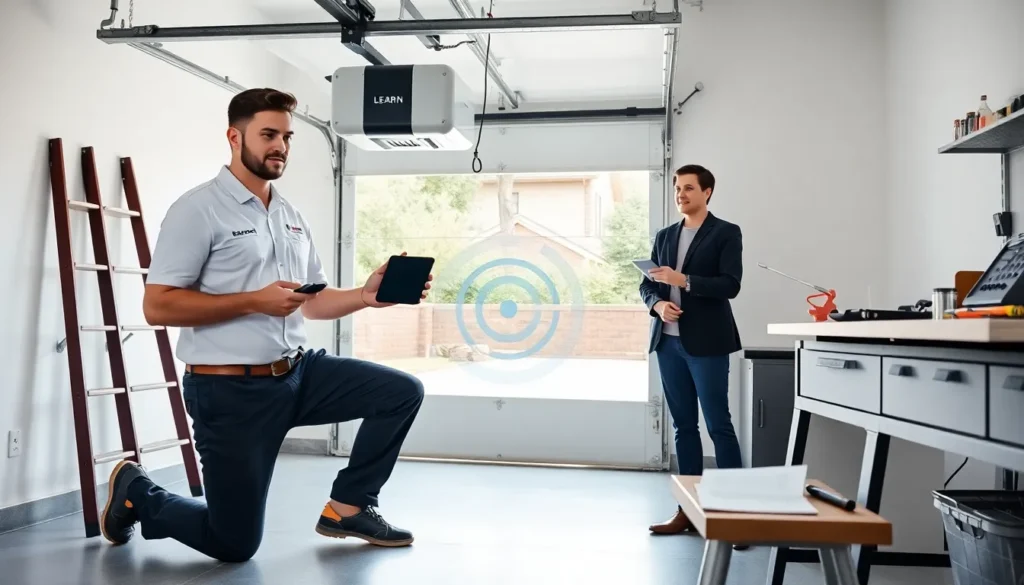
Overhead door remote programming helps users pair remotes with openers. The guide states clear steps and simple checks. It lists tools, common issues, and quick fixes. The article keeps language plain and direct. Readers get the steps they need to program a remote today.
Key Takeaways
- Follow the opener’s learn-button sequence or match DIP switches exactly to complete overhead door remote programming quickly and reliably.
- Gather the remote, opener model, fresh batteries, ladder, and the opener manual before you start to avoid interruptions.
- If programming fails, replace batteries, move the antenna lower, test with a known-good remote, and reset power before repeating steps.
- For Wi‑Fi models, use the manufacturer’s app to add the opener, enable firmware updates, and manage users for secure remote access.
- Clear opener memory before re-pairing multiple remotes, label each remote after programming, and keep a spare in a safe place.
How Overhead Door Remotes And Openers Work
Openers use a radio signal to move garage doors. A remote sends a code. The opener receives the code and acts. Modern remotes use rolling codes. Rolling codes change the signal after each use. Older remotes use fixed codes or DIP switches. Fixed codes send the same signal every time. The opener stores allowed codes in its memory. The opener compares incoming codes to stored codes. If a match exists, the opener moves the door. If a match does not exist, the opener ignores the signal. Understanding this process helps with overhead door remote programming. Technicians test signals with a spare remote or a signal tester. Homeowners check batteries and the antenna first.
What You Need Before You Start
They gather the remote, the opener model number, and fresh batteries. They keep a ladder if needed. They keep the opener’s manual or model printout. They write down keypad and wall control locations. They have a pen and phone light for small labels. They verify the power to the opener is on. They clear the area around the door. They confirm the garage door moves manually without binding. They ensure the opener antenna hangs down free. If they work on a Genie remote, they review a guide for Genie remotes before programming to save time. They check the remote frequency printed inside the battery cover. They confirm they have no more than five remotes to pair at once.
Step‑By‑Step Programming Methods
This section lists common programming methods. They pick the method that matches the opener and remote model. They follow the steps in order. They test after each step.
Learn Button Programming (Most Modern Openers)
They locate the learn button on the opener head or back. They press and release the learn button to enter learn mode. They press the remote button within thirty seconds. The opener light flashes or clicks to confirm. They test the remote by pressing the programmed button. If programming fails, they repeat the sequence after waiting ten seconds. They clear the remote battery contacts if the opener does not respond.
Fixed‑Code Or DIP‑Switch Remotes (Older Models)
They open the remote case and expose the DIP switches. They match the DIP switch pattern to the pattern inside the opener or a wall keypad. They flip the switches to match the pattern exactly. They close the remote case and test the remote. They replace any worn switch or solder trace before repeating steps. If the opener uses a plug-in receiver, they match the receiver switches to the remote.
Smartphone And Networked Opener Setup (Wi‑Fi Models)
They download the correct app for the opener brand. They create an account and allow the app to access local Wi‑Fi. They put the opener in Wi‑Fi setup mode by pressing the opener button. They follow the app prompts to add the opener. They name the opener and assign users. They test door control from the phone on the local network and on cellular data. They enable firmware updates in the app when available. If they use a brand that also uses classic remotes, they check a separate article with Genie remote setup tips.
Troubleshooting Common Programming Problems
They follow these checks when programming fails. They isolate one variable at a time. They replace batteries first and test again.
Remote Not Responding Or Intermittent Range
They test the remote at close range first. They replace the battery and test again. They check for interference from nearby electronics. They move the opener radio antenna to a lower position. They test with another known-good remote. They test the opener receiver with a remote that is already paired. If range remains poor, they try a higher quality battery. If the issue persists, they test both remote and opener at night to rule out electrical noise.
Opener Doesn’t Enter Programming Mode
They verify the power and the learn button location. They press the learn button firmly and release it quickly. They wait for the indicator light or LED to blink. They consult the opener label for exact timing. They reset the opener power by unplugging for ten seconds and plugging back in if the opener still fails to enter mode. They check for a locked control panel or service mode that blocks programming.
Pairing Multiple Remotes And Clearing Memory
They clear the opener memory when too many codes exist or when they lose remotes. They hold the learn button until the indicator clears, then release to erase stored codes. They reprogram each remote one at a time. They test each remote after programming. They label each remote and note the date of programming for future reference. They keep a spare remote in a safe place. They consult a step list when they need to restore several remotes quickly.
Safety, Security, And Maintenance Tips
They follow safety rules and secure the opener regularly.
Security Best Practices For Rolling Codes And Access Control
They prefer remotes with rolling codes for higher security. They change keypad codes regularly. They disable old codes when a remote goes missing. They review the opener manual for code length limits. They use the app to manage users on Wi‑Fi models. They check manufacturer notes for known vulnerabilities. If they use a Genie product, they compare the remote behavior with the guidance in a practical guide for Genie remotes.
Battery, Signal, And Routine Maintenance Tips
They replace remote batteries every 12–24 months. They clean battery contacts with isopropyl alcohol. They keep the opener antenna free of paint and metal. They test remotes once a month. They schedule a service check for the opener springs and sensors each year. They tighten loose mounting brackets and replace frayed cables. They keep a printed copy of the programming steps near the garage for quick reference.