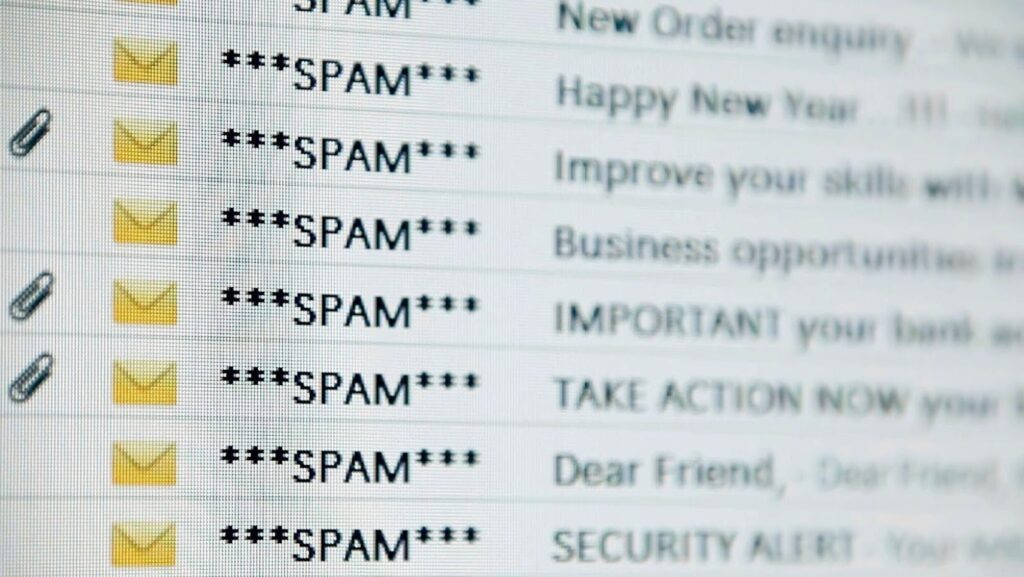
When tech enthusiasts talk about their setup, you hear about IDEs, project management tools, cloud infrastructure, automation workflows and whichever AI assistant they are currently running on everything. Email rarely comes up, except as something to complain about.
Which is strange, because email is almost certainly doing more critical work than most of the tools that get the attention.
Email is the unglamorous backbone of everything
Think about what actually moves through email in a typical working week: client briefs, invoices, contracts, login credentials, reset links, access confirmations, API keys, sensitive conversations and so much more. Email is the connective tissue between almost every other tool in the stack, which makes it the highest-value target for anyone trying to get into your systems.
The Verizon annual data breach investigations report consistently identifies email-based phishing as one of the leading initial access methods in real-world breaches. Not exotic zero-days. Not elaborate network intrusions. A convincing email and one bad click.
The importance of stronger safeguards is also reflected in evolving consumer production standards where security, transparency and user protection are becoming baseline expectations rather than optional extras.
And yet plenty of small teams and solo operators are running their entire operation through a free consumer email account with no additional protection in place.
What a proper setup actually gives you
There is a meaningful difference between a free account and a dedicated business email setup, and it goes beyond the vanity of having your own domain (though that matters too, especially if you are client-facing).
A business email hosting environment gives you centralised access control, so you can revoke a former team member’s access without hoping they do not still have everything cached somewhere. It gives you domain authentication, meaning your domain is far harder to spoof in phishing attacks targeting your clients or colleagues. It gives you proper audit trails and admin visibility. And depending on the provider, it can give you end-to-end encryption, which matters the moment you start thinking about what is actually in those threads.
None of this is exotic. It is table stakes for anyone running something real.
The “I’ll sort it later” trap
The reason most people do not prioritise this is that email keeps working regardless. Unlike a broken deployment pipeline or a crashed database, a poorly configured email setup fails quietly. You do not get an alert. You do not get a stack trace. You get a phishing email landing in a client’s inbox with your domain on it, or an account compromise that is only discovered weeks later when the damage is already done.

Treating email as solved infrastructure is one of those tech decisions that feels fine until it spectacularly is not.
Worth the afternoon it takes to fix
The good news is that getting this right is not a big project. For a small team or a solo operator, migrating to a proper business email setup is realistically a few hours of work. Sorting authentication records, enabling two-factor authentication and choosing a provider that takes security seriously are not complex tasks. They just require making email a deliberate choice rather than a default.
For people who spend time thinking carefully about every other tool in their stack, it is worth extending the same consideration to the one that holds it all together.