Mini PCs are turning up everywhere — behind monitors, next to TVs, in setups where a tower used to sit. And the moment people see how small they are, the same question follows: can something this tiny actually play games?
The honest answer is it depends on what you play. Line a mini PC up against a game console and a gaming laptop, and it’s clear where each one wins.
The Three Contenders
A mini PC is a small desktop, most running integrated graphics (a few have discrete GPUs). It’s tiny, quiet and good at far more than games. A console — PS5 or Xbox Series — is fixed hardware built for one job: plug in and play. A gaming laptop packs a discrete GPU into a portable body, at the cost of size, heat and fan noise.
|
|
Mini PC |
Console |
Gaming laptop |
|
Size |
Palm-sized |
Small, fixed |
Portable, bulky |
|
Graphics |
Mostly integrated |
Fixed, optimised |
Discrete GPU |
|
Other uses |
Work, media, everything |
Gaming only |
Work + gaming |
|
Noise |
Very quiet |
Quiet |
Can get loud |
How They Game
If your library is esports, indies and older titles, a modern mini PC handles them comfortably — smooth 1080p, and often 1440p. Valorant, CS2 and Rocket League don’t need a monster GPU. Modern integrated graphics, such as AMD’s Radeon 780M, punch well above their size and cover a lot of games at sensible settings, which is more than enough for 1080p and lighter 1440p play.
Where a discrete GPU pulls ahead is maxed-out AAA at high frame rates — Cyberpunk with ray tracing is a different ask. That’s the console and gaming-laptop advantage. Consoles also win on consistency: identical hardware means developers tune games to it, so you get reliable 60fps with no menus. Handy to know: some mini PCs are eGPU-ready, so you can add an external card when you want to push further.
Small, Quiet and Does Everything
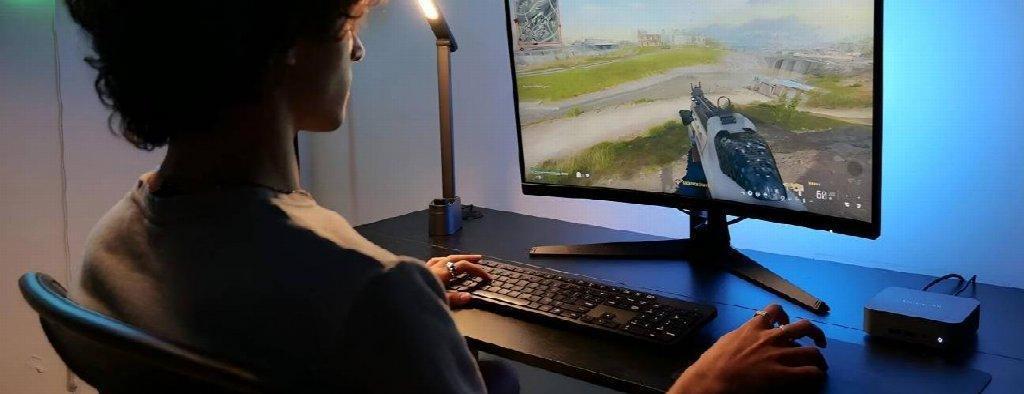
This is where a mini PC separates itself. You get desktop-class performance in a palm-sized chassis that mounts behind a monitor or hides beside the TV. The better ones stay whisper-quiet during everyday tasks and only spin their fans up when it counts, while USB4 and Thunderbolt 4 make hooking up screens, storage or a TV easy. Compact options like a mini pc slot neatly onto a desk or beside the telly without the sprawl of a tower.
The real edge is flexibility. A console only games; a mini PC is a full Windows workstation that fits in your bag — a daily driver for work, video calls, editing and multitasking that also runs your Friday-night matches. Cloud services like GeForce NOW and Xbox Cloud Gaming lean into this too: they do the heavy lifting remotely, so a small, quiet box is all you need in the room.
Which One Is Right for You?
- Maxed-out AAA, zero fuss: a console or a discrete-GPU laptop.
- Gaming on the move: a gaming laptop.
- A desk or living-room setup, a bit of everything, and a machine that earns its keep all week: a mini PC.
There’s no universal winner, just the right tool for how you play. A console nails simple AAA gaming, a laptop gives you portable power, and a mini PC offers a quiet, space-saving box that doubles as a full computer. If that sounds like your kind of setup, brands like GEEKOM are a solid place to start looking.