Gaming and tech audiences are visual by nature. A thumbnail has to sell a click in one glance. A review graphic has to make a product feel worth opening. A stream promo has to look sharp enough to survive a crowded feed. For creators, reviewers, and gadget bloggers, that means image work is no longer a side task. It is part of the content itself.
That is where Pollo AI starts to feel useful. Instead of forcing creators to jump between a generator, an editor, and a separate cleanup tool, Pollo AI brings the image workflow into one place. For TurboGeek readers, that matters because the goal is usually not “make art for art’s sake.” The goal is to create visuals that help a post, a video, or a launch stand out faster.
Why Gaming Creators Need Faster Visuals
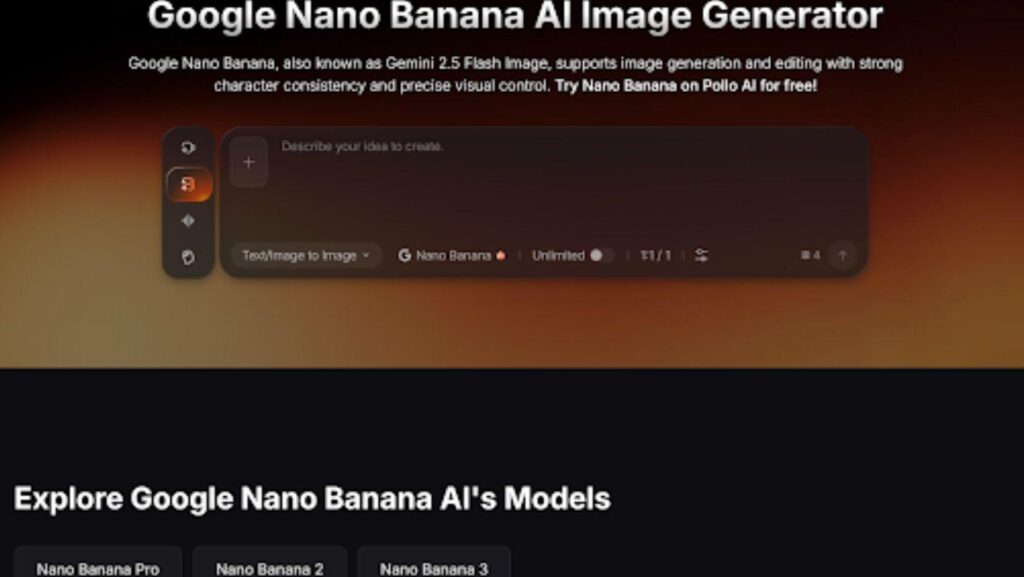
A lot of gaming content starts with a simple idea: a new title, a patch note, a mod showcase, a hardware drop, or a hot take on the latest trend. The problem is turning that idea into an image that actually earns attention. Pollo AI’s Nano Banana is a strong fit for that first step because it helps turn rough ideas and references into polished visuals without making the creator start from zero.
For a gaming channel, that can mean concept art for a review, a stylized promo for a livestream, or a thumbnail background that feels aligned with the topic. For a gadget blog, it can mean a cleaner visual for a launch post, a product roundup, or a feature image that looks more deliberate than a plain screenshot. The real value is speed with consistency. You still decide the idea. Nano Banana just helps get the first version into view faster.
Design for the click first
In gaming and tech, the image has one job before anything else: get noticed. That means contrast, subject clarity, and a visual hook matter more than complexity. A great thumbnail does not have to say everything. It just needs to make the viewer curious enough to open the piece.
AI generation helps here because it lets creators test visual directions quickly. One version can lean cinematic, another can feel more playful, and another can stay clean and product-focused. Instead of rebuilding the asset from scratch each time, the creator can compare options and keep the strongest one.
Keep one idea flexible
The best visuals are rarely one-offs. A single prompt or concept can become a YouTube thumbnail, a blog header, a social teaser, and a stream overlay. That kind of reuse is where Pollo AI becomes especially practical. It helps creators build one visual identity and carry it across formats without losing the core message.
From One Prompt to a Full Content Kit
Once the first visual is ready, the next challenge is scale. A game launch, a hardware review, or a creator collaboration usually needs more than one image. It needs a whole kit: feature art, social cards, quote graphics, channel banners, and sometimes merch mockups or event promos. That is a lot of repetition if every asset has to be made by hand.
This is where a broader image workflow matters. Pollo AI’s image tools are useful because they support both generation and refinement. That makes it easier to take one strong concept and adapt it into multiple placements without making the whole process feel like a design marathon.
Build around one visual theme
The most efficient creators usually anchor everything to one theme. If the topic is a horror game, the visuals can lean dark and atmospheric. If it is a gadget review, the look can be bright, minimal, and product-led. If it is a gaming event or livestream, the palette can be bolder and more energetic.
That consistency helps a channel feel more recognizable. It also makes the creator’s work easier to manage, because every asset is being built from the same visual logic instead of from random one-off ideas.
Save time for the actual content
The point of AI is not to spend more time tweaking images. It is to spend less time on repetitive setup so the creator can focus on the story, the review, or the audience. When a visual gets done faster, the whole content stack moves faster with it.
Where Quick Editing Makes the Biggest Difference
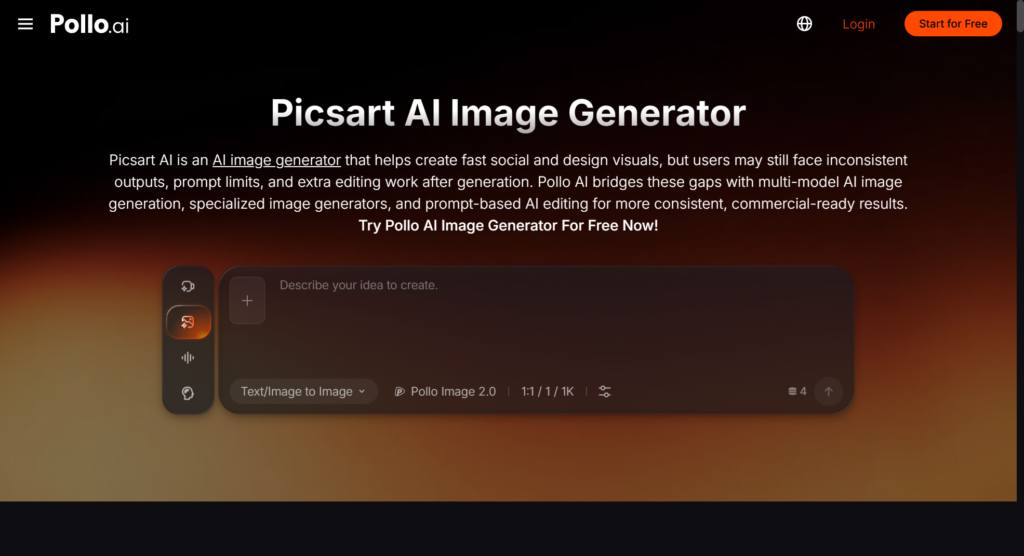
Generation is only half the job. In real creator workflows, the edit is often what makes a visual usable. Maybe the background is messy. Maybe the lighting is off. Maybe the subject needs to be cleaner for a header or banner. That is where Pollo AI’s Picsart AI becomes especially helpful, because it combines image generation with practical editing tools like background removal, object replacement, upscaling, and fast refinement.
For TurboGeek-style content, that is a big deal. A gaming thumbnail may need a cleaner crop. A gadget image may need better edge cleanup. A promotional banner may need a different color balance so the text remains readable. Those are small fixes, but they are the ones that decide whether an image feels polished or rushed.
Fix the details people notice first
Readers may not consciously list everything wrong with an image, but they will notice clutter, awkward framing, and weak contrast almost immediately. Quick editing tools help remove those friction points before the asset goes live.
That is especially useful for social posts and review graphics, where the image has to work at a glance. The faster the cleanup, the faster the post can move from draft to publishable asset.
Make your visuals feel intentional
A strong visual identity does not have to be complicated. It just has to feel deliberate. Whether you are covering a game release, a GPU update, a new phone, or a streaming setup, the final image should look like it belongs to the story.
That is the real strength of a tool like Picsart AI inside Pollo AI. It gives creators a way to move from raw output to something that looks ready for a real audience, without adding a second long editing pass.
A Workflow That Fits TurboGeek Readers
The best workflow is simple. Start with the content angle, generate the first image with Nano Banana, then clean, resize, or refine it with Picsart AI. After that, reuse the same visual logic across the thumbnail, header image, social post, and any supporting graphics. That keeps the whole content package aligned and makes the creator look more consistent.
For gamers, streamers, and tech writers, that consistency matters. The more often you publish, the more your audience starts to recognize the shape of your work. Pollo AI helps preserve that shape while cutting down the time it takes to produce it.
The bigger shift in 2026 is that image tools are no longer just for artists. They are for anyone who needs to communicate visually, quickly, and with enough polish to compete. For TurboGeek readers, that makes AI image workflows less of a novelty and more of a practical creative advantage.